GuestDrop vs. WhatsApp: Why QR Code Sharing Beats a Group Chat for Event Photos
Choosing between a messaging group and GuestDrop for your event photo collection? Here's how QR code sharing compares to a group chat, feature by feature.

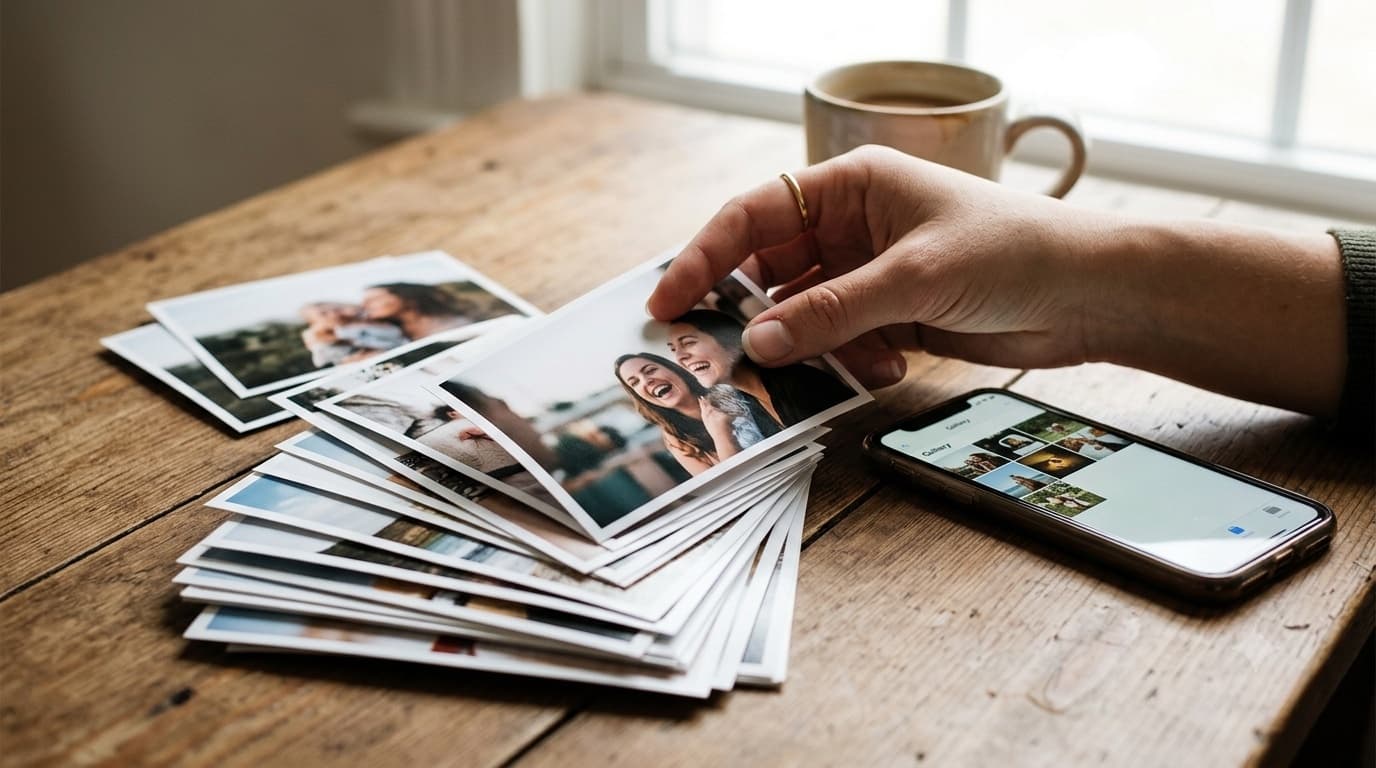
Planning any large event surfaces the same question, usually later than you'd like: how are you actually going to collect all the photos your guests take? For years the default answer has been a group chat, everyone already has the app, so why set anything else up? But once you actually compare what a chat app does with what a purpose-built photo-collection flow does, the gap becomes obvious fast.
The direct comparison
| Feature | Group Chat (e.g. WhatsApp) | GuestDrop |
|---|---|---|
| Photo quality | Heavily compressed on send | Full original resolution |
| Organization | One long, chaotic stream | Organized by event, moderatable |
| Guest friction | Must join the group, share a number | Zero, scan a QR code, no app needed |
| Privacy | Every member's number visible to the group | Private uploads, no numbers exposed |
| Storage | Fills up the guest's own phone memory | Cloud-based, direct upload |
| Video handling | Length limits and recompression on send | Direct upload of short clips at original quality |
| Getting everything off the platform | Manual, save-per-item, one at a time | Bulk download from a gallery you own |
| Who holds the files a year later | Whoever still has the chat thread saved | You, with a copy in your own Drive |
| Contributing without being a contact | Not possible, has to join the group first | Yes, anyone with the link or code can upload |
Why does a WhatsApp group struggle with event photos?
A group chat wasn't built for this job, and the cracks show up in predictable places.
Compression eats detail on the way in. The moment a guest hits send, the app quietly recompresses the photo or video to save bandwidth. What arrives on your end is a smaller, softer copy of what was actually captured, visible loss in fine detail, shadow, and color depth that no amount of editing afterward fully recovers.
Media gets buried in a conversation stream. A group chat has no separation between the photo from the ceremony and someone asking what time dinner starts. Everything lives in one scrolling thread, with no dedicated view for browsing just the images and videos without wading through the whole conversation.
Every member's number is exposed to everyone else. Adding a guest to the group means their phone number becomes visible to every other member, plus-ones, distant relatives, coworkers they've never met. Plenty of guests are reasonably uncomfortable with that, and some simply won't join because of it.
There's no bulk export. Retrieving hundreds of photos and videos from a chat thread is a manual, one-at-a-time task. Nothing about the app is built for pulling a full event's worth of media back out in one step.
It fills up the guest's own device. Every photo and video sent through the group also sits on the sender's phone, quietly eating into their own storage, a cost the guest pays just for helping you collect memories.
What the QR flow does instead
A QR-based upload flow sidesteps every one of those problems at the mechanism level, not just cosmetically. There's no app to install, no account to create, and no phone number required anywhere in the process, a guest scans the code, lands on an upload page, and uploads. The files travel directly from the guest's own browser to storage, so there's no intermediate hop where quality gets silently reduced. GuestDrop then keeps every original and sends a copy to the event creator's own Google Drive when it is connected, which means the files are owned by the creator from the start, not rented from a chat thread that could get deleted or lost to a phone upgrade.
On the receiving end, the creator gets a masonry-grid gallery with a full-screen lightbox for browsing photo by photo, the ability to moderate what's visible, a shareable link for anyone who wants to see the collection, and a bulk download for pulling everything out at once. One grounded benefit worth naming honestly: a structured, full-resolution archive like this stays more useful as AI-assisted photo search keeps improving, in a way a scattered chat log never will.
When is a WhatsApp group genuinely good enough?
It's worth saying plainly: a group chat is a completely reasonable choice for a small gathering. A dozen people, a couple dozen photos, everyone already in one thread, and nobody planning to print anything later, that's a case where the tradeoffs above simply don't matter enough to bother with anything more structured. The comparison above is really about what happens once the guest list, the photo count, or your expectations around privacy and ownership start to grow past that small-gathering scale, which is exactly where most weddings, milestone birthdays, and corporate events land.
Where a shared cloud album fits in this comparison
The comparison above leaves out the option most people actually weigh against a group chat: a shared Google Photos or iCloud album instead of a purpose-built upload flow. It deserves a fair look, because it does solve part of the problem. A shared album preserves quality reasonably well, and it gives everyone one place to look instead of a scrolling chat thread, which is a genuine improvement over the group-chat default.
Where it costs you is the contributor side. Contributing to a shared album generally means being signed into that same ecosystem, the same photo service, the same account type, and then being added to the album by name before a single photo can land in it. For a small circle of five or six people who all already use the same phone brand, that's a minor step. For a two-hundred-person wedding guest list spanning grandparents on one platform and cousins on another, it's a per-guest onboarding task someone has to perform, one invite at a time, before the album is even usable.
It's also worth naming the ownership difference plainly. A shared album lives inside a platform account, subject to that platform's storage limits, sharing permissions, and whatever the account holder does with their login later. A folder in the host's own Google Drive is not that, it's a folder the host controls directly, independent of who else's account it might otherwise have depended on. The QR flow's distinguishing property against a shared album, then, isn't photo quality, a good album already handles that reasonably well. It's the zero-identity contribution path: no invite, no shared-ecosystem requirement, no per-guest setup step standing between a guest and the upload.
What happens to a photo in each option?
The compression claim earlier in this post is worth tracing end to end rather than leaving as an assertion, because "compressed" only means something once you follow one photo through both flows.
In the chat path: a guest picks a file from their camera roll, the messaging app re-encodes it before transmission to keep the payload small enough to send quickly over a mobile connection, a compressed copy is transmitted to every member of the group, and a separate, uncompressed copy stays behind on the sender's own device, the one nobody else ever sees.
In the QR path: a guest picks the same kind of file, their browser transmits it directly to storage with no intermediate server sitting in between to re-encode anything, and the copy that lands in the host's own Drive is the same file the guest's camera actually produced.
The difference between those two outcomes doesn't show up on a phone screen glanced at during the event. It shows up later, in specific situations. Cropping in tight on one person's face inside a wider group shot reveals softening a compressed file simply doesn't have the data to avoid. Printing at album or canvas size makes the same gap visible at a scale a phone screen hides. And any later re-edit (a color pass, a crop, a print order) starts from whatever resolution actually arrived, so a compressed original puts a ceiling on everything downstream of it. None of this requires a specific compression percentage to be true; it's simply a fact about what a re-encoded file has, and doesn't have, to work with later. For the storage side of the same story, including what a chat thread does to every member's phone, see digital guestbook vs WhatsApp.
Three events, three answers
The right choice genuinely depends on the event, so it's worth working through three concrete cases rather than treating "which is better" as a single universal answer.
A forty-person house birthday, where everyone is already in one WhatsApp thread and nobody is printing anything afterward, the group chat is the right call here, plainly. The guest list is small enough that number exposure barely registers, nobody's cropping in for a canvas print, and setting up anything more structured would be effort spent solving a problem this event doesn't actually have.
A two-hundred-guest, three-day wedding with relatives who have never met each other, and an album planned once the trip is over, the QR flow is the right call, and for specific, nameable reasons rather than a general preference. Number exposure matters at this scale, when the guest list spans strangers to each other across two families. The manual day-after retrieval problem gets worse, not better, as the photo count climbs into the hundreds. And print resolution matters directly, because an album is the stated plan.
A hundred-and-twenty-person corporate offsite, where staff personal numbers shouldn't be broadcast across departments that don't otherwise interact, and marketing wants usable files for later, the QR flow again, for a different reason than the wedding case. Nobody wants their personal number visible to colleagues from another team just because they were both invited to the same offsite, and marketing needs files with enough resolution to actually use, not a compressed export from a chat thread. For the fuller picture on collecting photos at this kind of event, see corporate event photo sharing.
Conclusion
If a chaotic, lower-quality stream with everyone's phone number exposed to everyone else is an acceptable tradeoff for your event, a group chat will get the job done. But if you want to preserve the actual quality of what your guests captured, keep contact details private, and end up with a bulk-downloadable archive you fully own, a QR-based flow is the better mechanism for the job. For the fuller comparison on privacy and storage specifically, see our digital guestbook vs WhatsApp breakdown, and for the complete picture of how the whole flow works end to end, read the digital guestbook guide. If you're planning the collection side of a wedding specifically, how to share wedding photos with guests and the frictionless guest experience both go deeper on the guest-facing side of this same flow. If you are weighing dedicated apps against each other rather than against a group chat, see our GuestDrop alternatives comparison.
Frequently Asked Questions
Does sending photos through a messaging app reduce their quality?
Yes. Messaging apps compress photos and videos before sending to save bandwidth, so the file that arrives is a lower-quality copy of what the guest actually captured. Direct browser-to-storage uploads skip that compression step entirely, which is why a QR-based flow preserves full original resolution and a group chat does not.
Can guests contribute without sharing their phone number?
Yes. There is no login of any kind, so a guest never has to be added as a contact, join a group, or reveal their number to anyone else contributing. They scan a code, pick their files, and upload, and nobody else on the guest list ever sees who they are.
How do I download all the event photos at once?
All the photos and videos live in one gallery you can download in bulk, rather than saved one at a time from a chat thread. Because GuestDrop keeps every original and copies it to your own Google Drive as it's uploaded, there's no manual per-item export step waiting for you afterward.
Is a group chat ever good enough for event photos?
Genuinely, yes, for a small gathering. If it's a dozen people, a couple dozen photos, and everyone is already in one thread with no plans to print anything, a group chat is fine. The tradeoffs only start to matter once the guest list, photo count, or privacy expectations grow.
Is a shared Google Photos or iCloud album better than a group chat for event photos?
In some ways, yes, a shared album preserves quality and gives everyone one place to look, which already beats a chat thread. Where it falls short is the contributor side: joining generally means being signed into that ecosystem and being added to the album by name, a per-guest step someone has to do for every one of two hundred guests. It also leaves the archive inside a platform account rather than a folder the host controls.
Do guests need the QR code, or can I just send them a link?
Either works, because the code and the link are the same destination. The code is for the venue, printed on a table card or a sign, ready for someone standing in front of it. The link is for the invite and for the day-after follow-up message, when there's no card to scan. Neither one asks the guest to identify themselves first.
Set up your GuestDrop event in under a minute and experience the future of event sharing.
Ready to simplify your event?
Set up your GuestDrop event in under a minute and start collecting every guest's photos today.
Create Your Event - Free