Scan a QR code.
Fill a gallery.
Event photo sharing with zero signup. Guests scan your QR code and upload photos in seconds, no app required.
Your gallery stays open free for up to 7 days after the event date. GuestDrop keeps every original, and sends a copy to your Google Drive if you connect it.
Scan to upload
Straight to your gallery
Follow one photo from their phone to your gallery and your Drive.
Create your event in under a minute and share its QR code. From there, every guest photo makes this trip on its own, in seconds.

Your event gets a code like this one. Print it or send the link.
A guest scans and taps upload.
A copy lands in your Drive, if you connect it.
It shows up in the gallery, live.



See it in action.
A quick look at guests scanning, uploading, and filling a gallery.
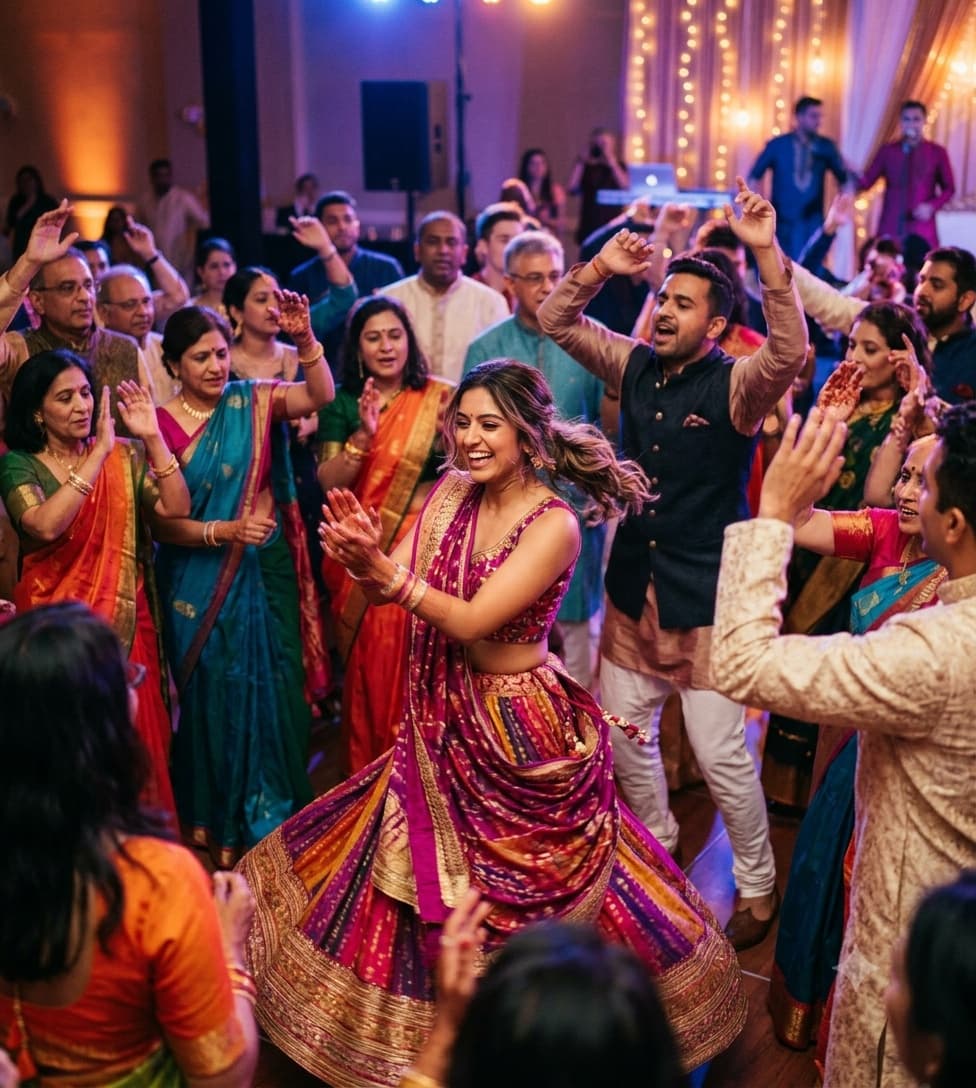
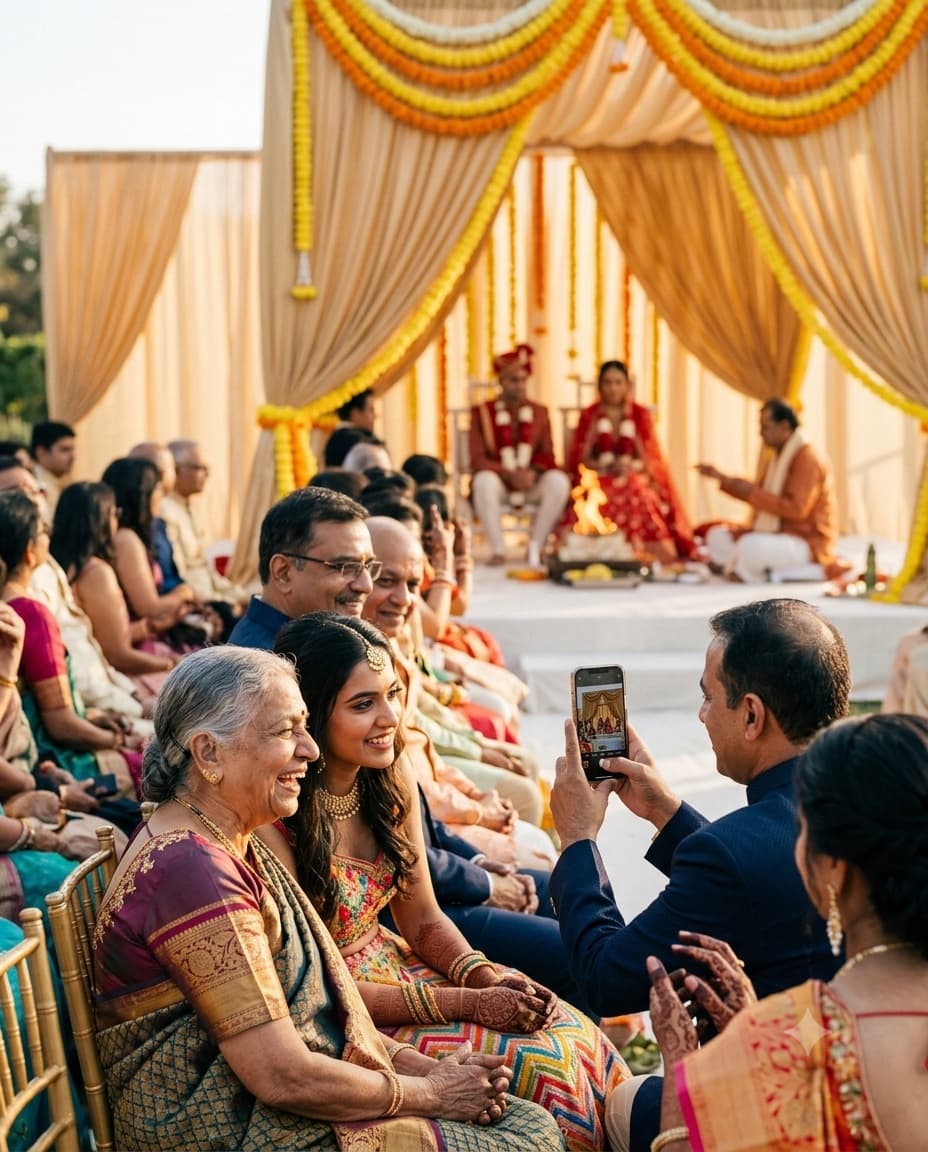
For every kind of gathering.
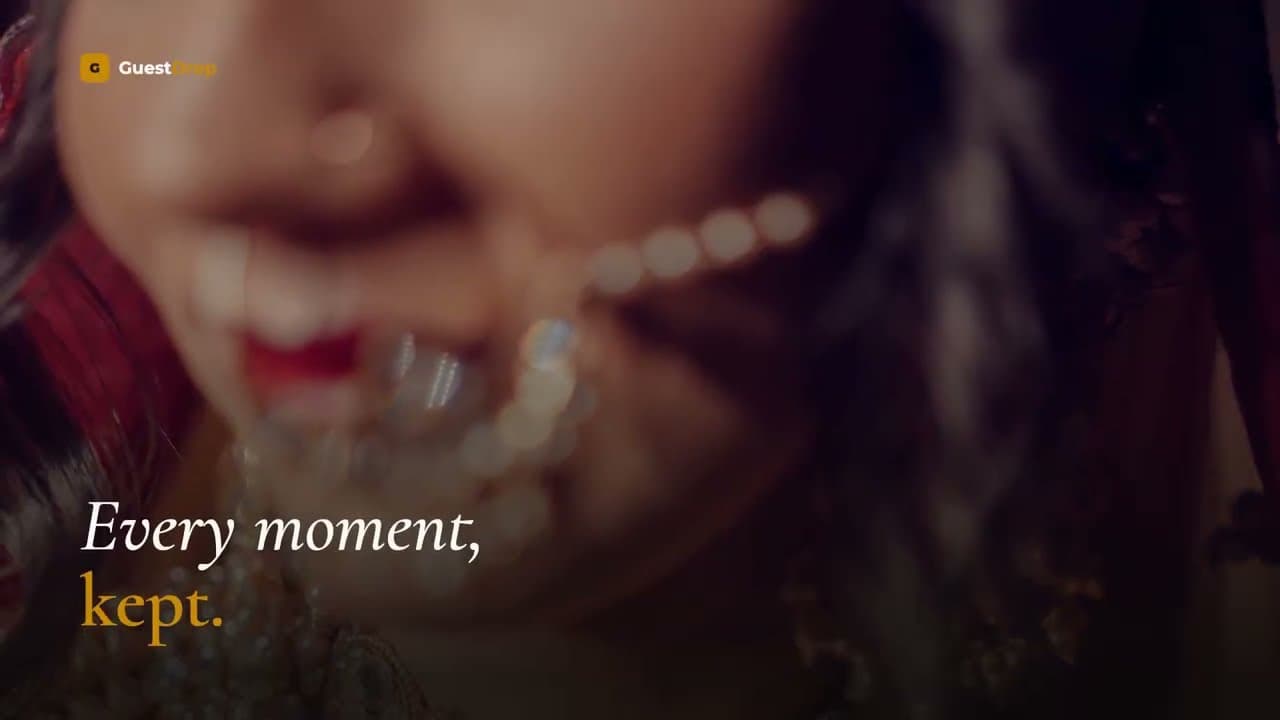
From wedding receptions to corporate summits, every event deserves a complete photo record.
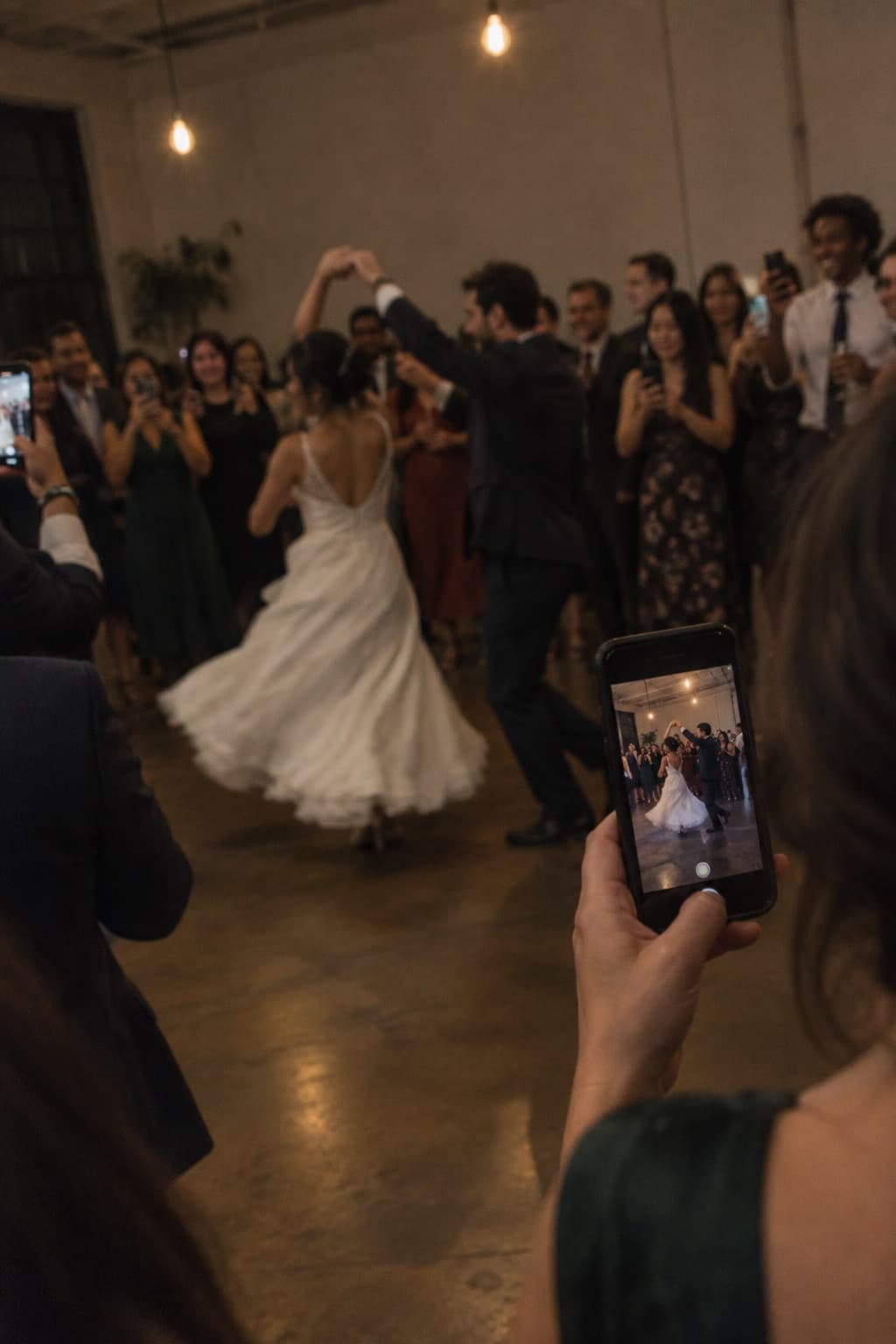
Weddings
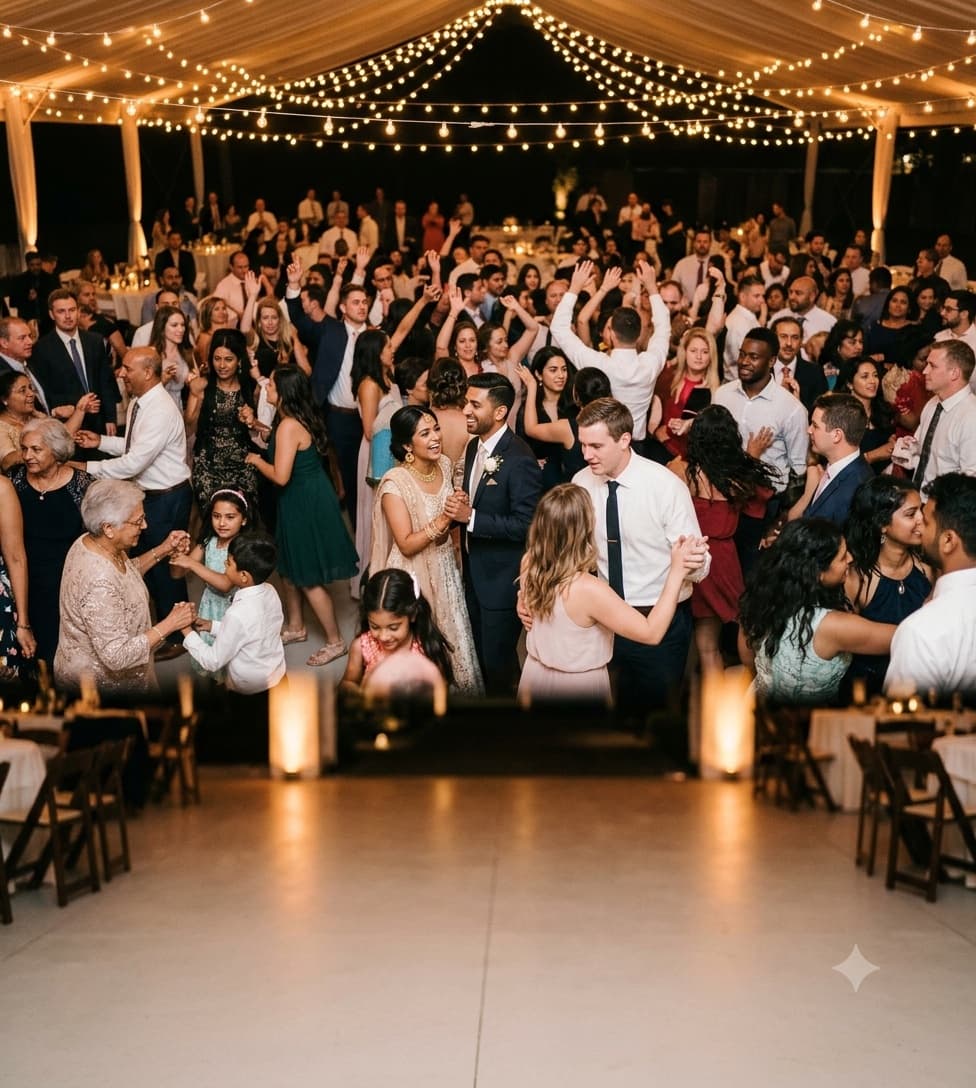
Collect every candid moment from every guest. No missed memories.
Explore wedding photo sharing
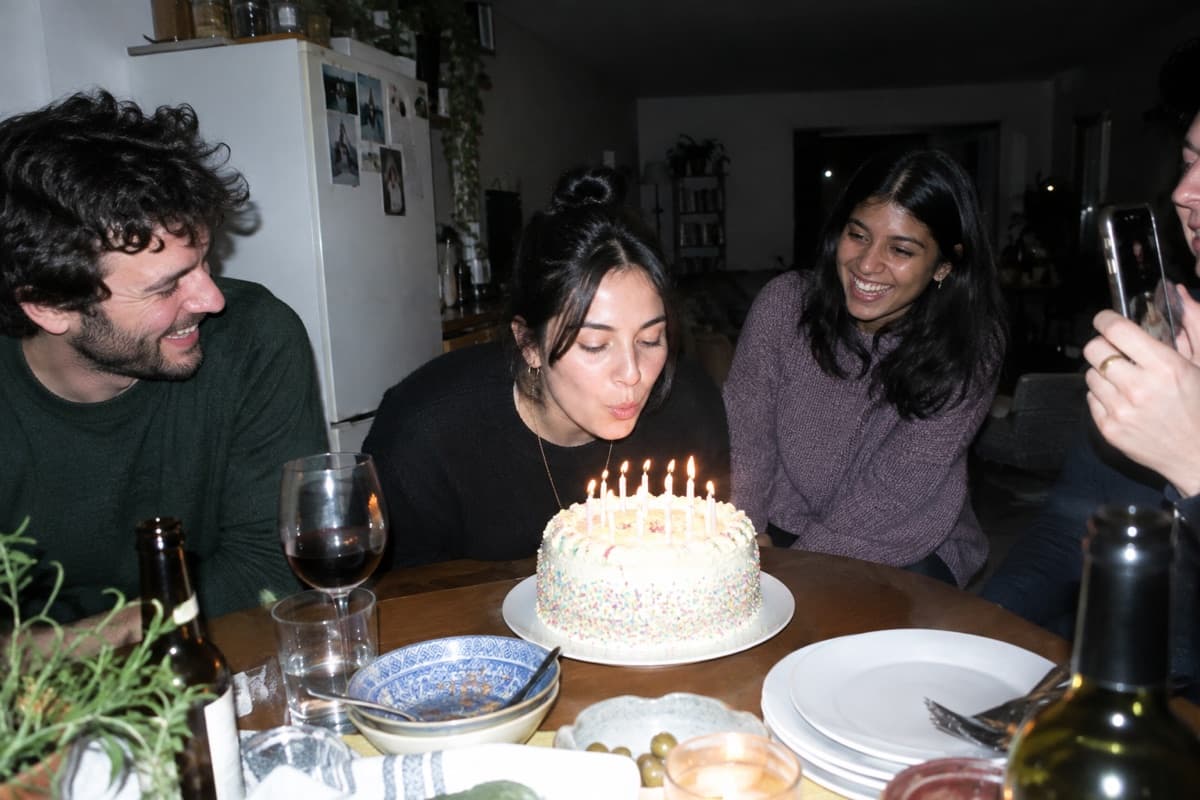
Birthdays
Let friends and family contribute their photos to one shared album.
Explore birthday photo sharing
Corporate events
Professional photo collection for conferences and team events.
Explore corporate event photo sharingThis is what your memories look like.
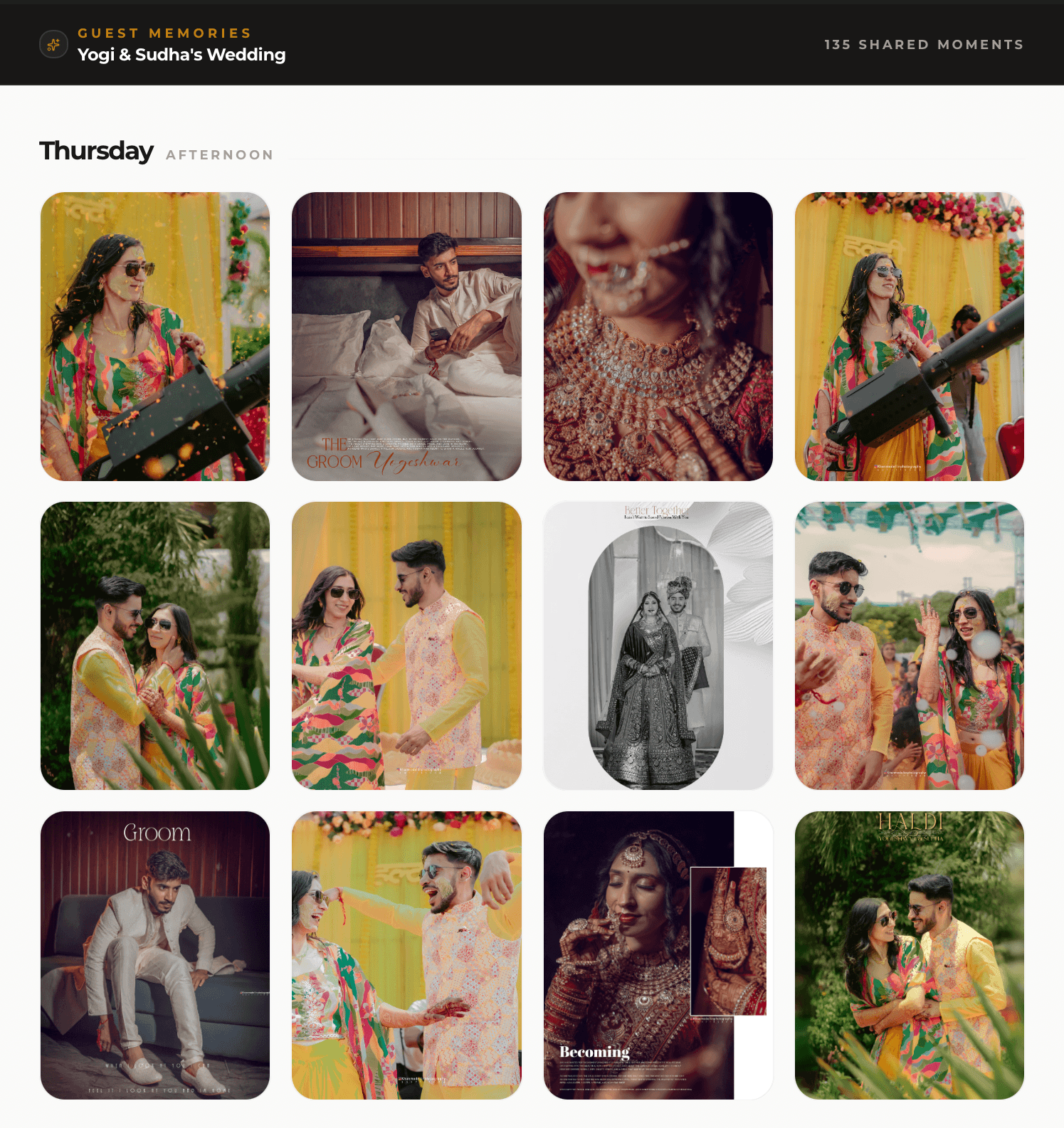
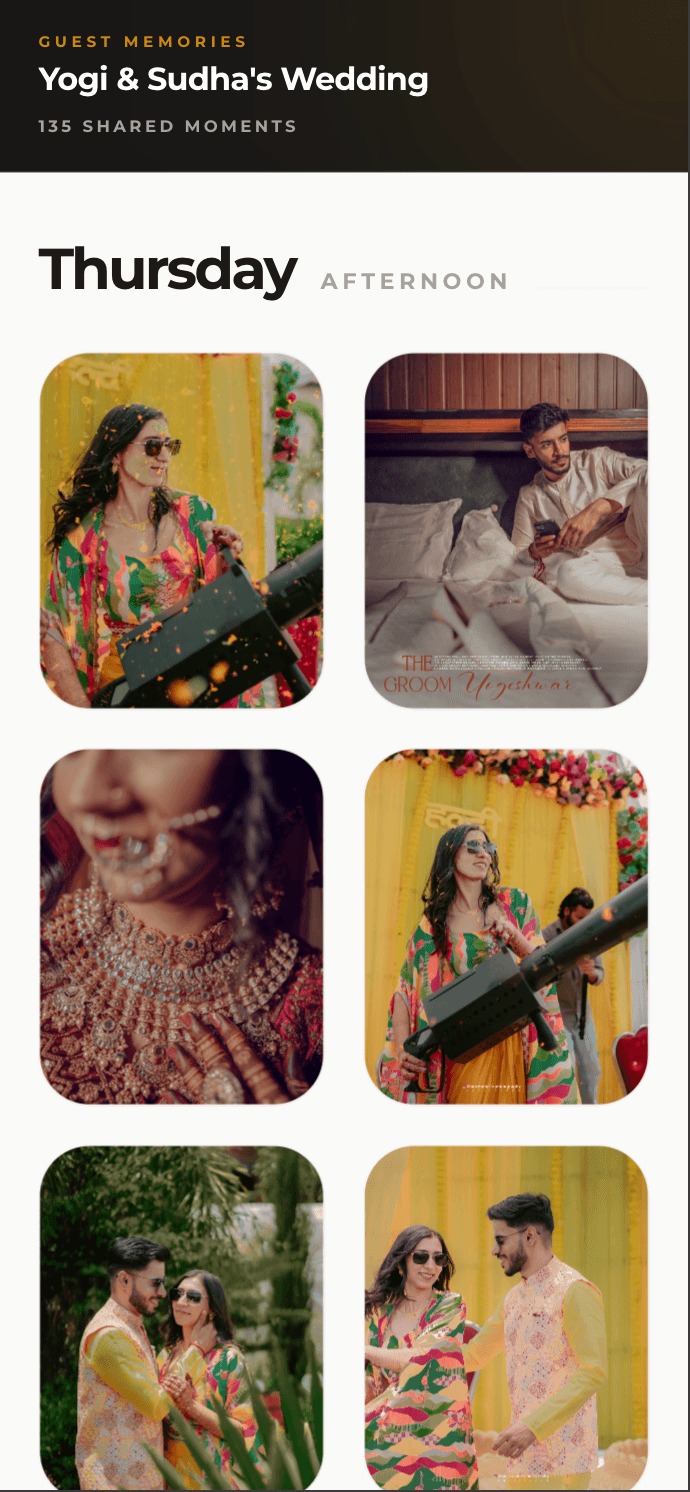
Every photo your guests capture, collected into one beautiful gallery, on desktop and mobile.
Set up your event from your AI chat.
Free. Sign in with Google, disconnect any time.
Make a photo QR for Sam and Alex's wedding on Saturday
Done. Guests scan to upload, no app needed.
Photos shared
Events created
GuestDrop has helped guests share over 182,541 photos across 3,931 events, and a new event takes under a minute to set up.
What event hosts are saying
Brilliant software that I have already recommended to several friends. Well thought out, functional, reliable. No wishes left unfulfilled!

Yvan
108 photos · Birthday · Translated
It was easy and helpful ! Will use again
Brandi Lewis
77 photos
Everyone could quickly access the app directly, both Android and iPhone.

Alja
25 photos · Birthday · Translated
You can share your best photos...or the worst!

Mariage Alix et Romain
Translated
easy to use and set up

Jim Ken
226 photos
This year is free and it really helps a lot, I'm using it for my XV.

Nicol
Translated
Very good for sharing event photos by the guests and free

Ramiro
1 photo · Wedding · Translated
Hey!! Guestdrop is so useful app, using it for my wedding wish me luckk:)) thankful for such agood experience

Tulin S
11 photos · Wedding
Easy to use, and met all the requirements I was looking for

Amanda Ramos
13 photos · Wedding · Translated
Simple. Transparent.
No subscription. No hidden fees. Connect Drive and a copy of every original lands in your own Drive.
Every event
Free
- 10 GB of guest uploads per event
- Branded QR code
- Beautiful gallery
- A copy in your Google Drive
- Full-quality downloads
- Gallery open up to 7 days after the event date
Free to start. Nothing to pay to create an event.
Extend
From $9
- 30 days
- $9
- 1 year
- $19
- One payment per event, not a subscription
- Keeps the hosted gallery open longer
- Full refund until the free window ends
Buy it from your event dashboard whenever you need it. Charged in your local currency at checkout.
Common questions
No, they just scan the QR code with their phone camera. It opens a mobile-friendly upload page in the browser, no app, no signup, no friction.
GuestDrop stores every original at full quality, so your event works without connecting anything. If you connect Google Drive, each photo or video is also copied into a folder GuestDrop creates in your own Drive, and your normal Drive quota applies to that copy. Guests never see your Drive or need access to it. Each event holds 10 GB of uploads free, or 20 GB once you extend the gallery. The hosted gallery stays open free for 7 days. After it closes you have 30 days to download everything as a ZIP or finish your Drive backup, then GuestDrop deletes its originals. Your Drive copy is never touched: it stays in your Drive, ready to share or turn into an album.
Each event holds 10 GB of photos and videos free, which is thousands of phone photos, and 20 GB once you extend the gallery. You can also set how many each guest may upload. If the gallery fills up, guests see a message asking them to tell you.
The hosted gallery and guest uploads stay open free for 7 days after your event. When it closes, you get 30 days to download every original as a ZIP. If you connected Google Drive, a copy of every upload is already in your Drive and stays there. After the 30 days, GuestDrop deletes its originals.
Absolutely. GuestDrop works for conferences, team offsites, product launches, and any professional gathering. The branded QR code keeps it on-brand.
Yes. Every upload travels over an encrypted HTTPS connection and is stored encrypted in GuestDrop's cloud storage (Cloudflare R2). GuestDrop keeps event details in its database (event name, QR code slug, upload settings) and the originals until 30 days after your gallery closes. If you connect Google Drive, a copy goes into your own Drive, where you control who can see it through Google's sharing settings. Guests do not need an account to upload, so there is no guest password database that could be exposed in a breach. If you revoke GuestDrop's Drive access, copies to Drive stop; nothing already in your Drive is affected.
GuestDrop is free to start, with no subscription required. You can create an event, generate your branded QR code, and start collecting guest photos and videos right away. No premium tier gates the core experience: guest uploads up to 10 GB per event, the gallery, downloads, and moderation stay free for every event, whether it is a wedding with hundreds of guests or a small birthday gathering. Paid options are optional and one-time per event: a single payment keeps the hosted gallery open past the free 7-day window and raises the event to 20 GB, and a +10 GB storage add-on is $19. Neither gates any of the free features above.
No forwarding chaos, no compression, no lost media in a scrolling chat. Every guest upload is saved at full quality, with a copy in your own Google Drive if you connect it. See the full GuestDrop vs. WhatsApp comparison.
Your guests are already taking the photos.
Give them one QR code to put them in. Set up your event in under a minute, and every photo lands in one place.
Create Your Free EventFree to start. No app for your guests.