Every guest's photos, in one gallery.
Give your baby shower guests a QR code that collects every photo and video from the diaper raffle to the gift opening, in seconds. No app, no signup, nothing to remember.
Scan to upload
Straight to your gallery
Three steps to every guest's photos.
Built so every guest, from the onesie-decorating station to the dessert table, on any device, can contribute without friction.
Create your baby shower gallery
Set up your event in under a minute, name it, set the date, and connect your Google Drive if you want a copy of every guest upload in a folder you already own.
Design a QR code to match your theme
Match your baby shower colors and theme so the QR code looks intentional on invitations, the guest book table, or a printed sign, not an afterthought.
Guests scan and upload instantly
No app to download, no account to create. Guests scan with their phone camera and upload photos and short videos from the games, gifts, and cake in seconds.
What event hosts are saying
This year is free and it really helps a lot, I'm using it for my XV.

Nicol
Translated
It was easy and helpful ! Will use again
Brandi Lewis
77 photos
You can share your best photos...or the worst!

Mariage Alix et Romain
Translated
easy to use and set up

Jim Ken
226 photos
A baby shower gallery, built for small celebrations.
Everything a host needs from the diaper raffle to the last slice of cake, nothing a guest has to install.
Every guest becomes a contributor
A baby shower is small and intimate, everyone already has their phone out for the gender-reveal moment or the mom-to-be's reaction as she opens gifts. A QR code means candid moments from the diaper raffle, the onesie-decorating station, and every table get captured, not just the host's photos.
Zero friction for a small guest list
No app download, no account creation. Whether it is a dozen close friends or a house full of family playing guess-the-belly-size, everyone just scans the QR code and uploads, entirely in the mobile browser, no waiting for the host to pass a camera around.
A copy you own, not a registry app
Every photo and video is kept in your gallery, with a copy in your own Google Drive if you connect it, not a registry or party-planning app account you have to manage later.
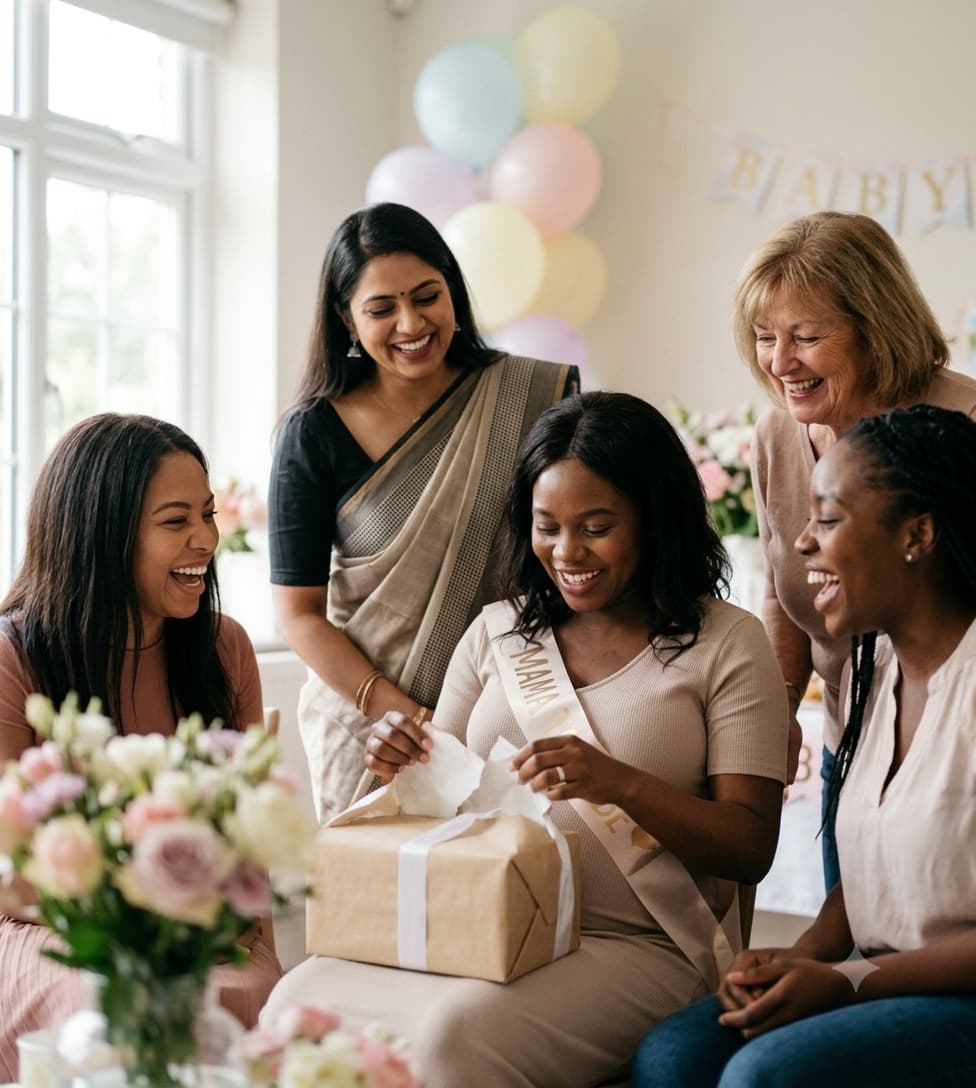
Full-resolution photos to keep forever
Unlike a group chat, where every forward compresses the image further, uploads through GuestDrop keep full-resolution files ready for a nursery album, a first-year scrapbook, or a keepsake print of the gender-reveal cake cutting.
A QR code that matches your baby shower theme
Design a branded QR code with your shower's colors, pastels, gender-reveal palettes, or a specific theme, so it fits the rest of your decor and invitations.
Room for every guest's photos
10 GB free for the whole shower, thousands of phone photos. Whether it is an intimate 10-guest brunch or a 50-guest celebration, every upload lands in the same gallery.
A live gallery you can watch fill up
Uploads land in a beautiful, Apple Photos-style gallery in real time, so you can watch photos of the diaper raffle, the gift opening, and the dessert table appear while the shower is still happening.
7 days of access, a copy in your Drive for good
Your GuestDrop gallery stays open free for up to 7 days after the event date, then you have 30 days to download everything. If you connected Google Drive, a copy of every photo stays there, long after the shower ends.
Common questions from hosts.
Do our baby shower guests need to install an app?
No, guests just scan your QR code with their phone camera. It opens a mobile-friendly upload page directly in the browser, so there is nothing to install before the diaper raffle, the gift opening, or the dessert table gets cut into.
Is this only for the day of the shower, or can guests upload before too?
Guests can upload any time your event is active, including in the days leading up to the shower if you share the QR code early, for example alongside a digital invitation or registry link.
Where do our baby shower photos get stored?
GuestDrop keeps every original, and sends a copy to your own Google Drive if you connect it, not a registry or party-planning vendor account you have to log back into. Every guest upload, from the gender-reveal photos to the shots of grandparents-to-be meeting the bump, lands in your gallery and in a Drive folder you control.
Can we use this for a small, intimate guest list?
Yes. GuestDrop works just as well for a 10-guest brunch as it does for a larger celebration with a full guest advice card table and a mocktail bar, there is no minimum guest count and no per-guest limit.
More on collecting event photos.
Ready to collect every guest's photos?
Create your baby shower gallery, share your QR code at the guest book table, and collect every photo and video, from the diaper raffle to the last piece of dessert-table cake, with a copy in your Google Drive.