The Guest Experience: Making Photo Sharing Frictionless
How to make sure guests actually share their photos. A look at the real friction points in event participation, and why removing every login wins every time.

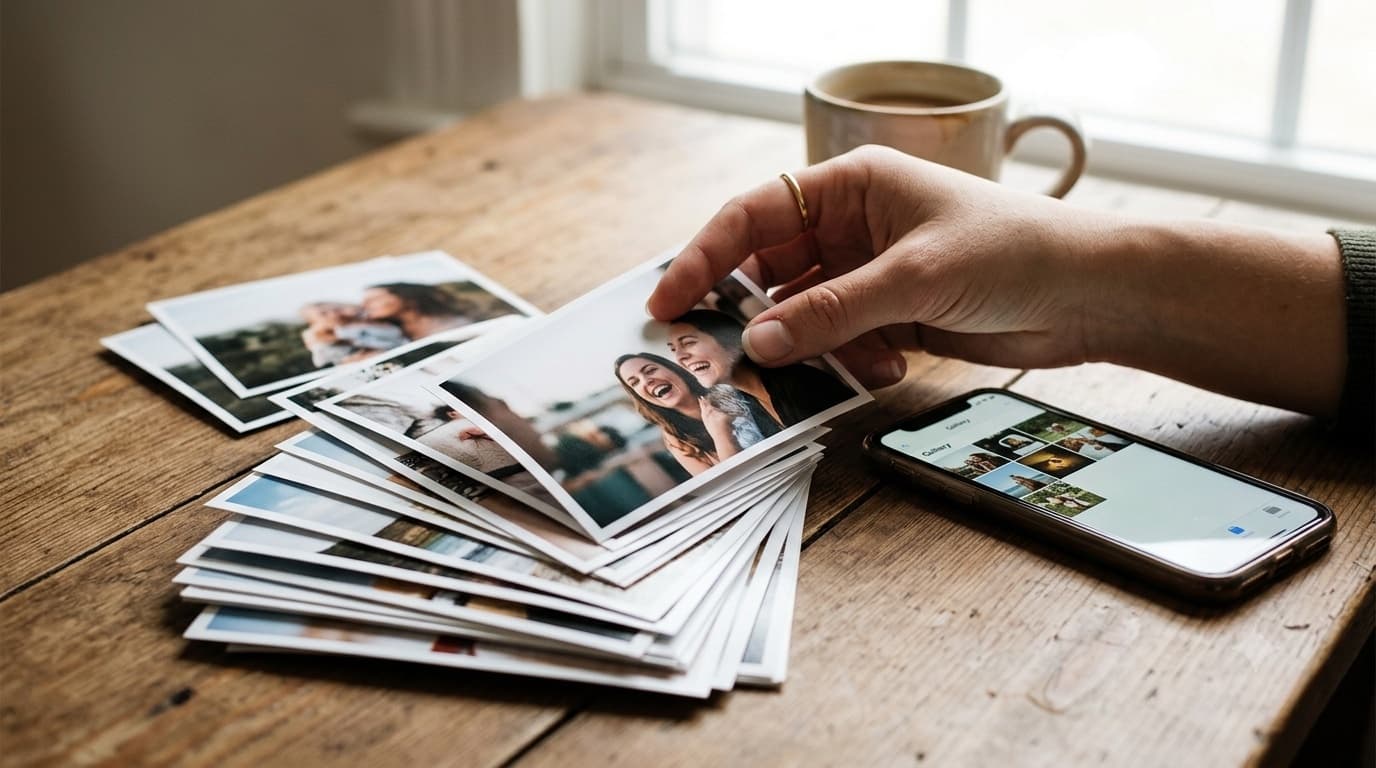
You've spent months planning your event. You've booked the venue, hired a photographer, and set up a photo-sharing link for guests. But on the day itself, barely anyone uploads anything. The reason almost never has to do with the platform's features, it has to do with friction, and how much of it stands between a guest noticing a QR code and actually finishing an upload.
The psychology of the event guest
At any wedding, birthday, or offsite, a guest's real priorities in the moment are having fun, socializing, and celebrating the host. Contributing to a digital archive sits far down that list, somewhere behind refilling a drink and finding a seat. That's not a flaw in the guest, it's just how attention works at an event. Contributing to the host's archive is competing directly with having a good time, and it loses to anything that takes real, noticeable effort. If sharing a photo takes more than about fifteen seconds, a meaningful share of guests will simply stop partway through. If it requires downloading anything first, many of them won't even start.
The six frictions that actually stop uploads
Once you break "guests aren't uploading" down into its actual causes, six specific frictions show up again and again.
Installing an app. Asking a guest to download something from an app store before they can help you is asking for a decision they weren't planning to make. They might not have the storage space, their connection might be too slow to download anything mid-event, or they simply don't want a new icon on their home screen for something they'll use once.
Creating an account or handing over an email. A signup form is a wall. It asks a guest to make a password-management decision in the middle of a party, and plenty of people would rather skip the whole thing than type out an email address on a phone keyboard while standing at a cocktail table.
OS permission prompts. A system dialog asking to access photos, the camera, or storage reads as a decision point, and any decision point is a place a guest can hesitate and back out entirely.
Congested venue wifi or weak mobile data. Event venues routinely have dozens of phones competing for the same weak signal. An upload flow that assumes a strong, stable connection will fail exactly when it matters most.
A confusing file picker. Some flows only let a guest send one photo at a time, which turns "share your best ten shots" into ten separate, repetitive actions, more than enough friction to make most guests stop after the first one or two.
A silent failure with no way to retry. Nothing kills participation faster than a guest believing they uploaded successfully, walking away, and never finding out the file never actually made it.
What removes each one
Each friction above maps to a specific, concrete fix, not a vague promise of "ease of use."
The upload flow runs in the browser guests already have, no app store, no install, no update. There's no signup, no email, and no password anywhere in the process, so the account-creation wall simply doesn't exist. Guests multi-select the exact photos and videos they want to share from one file picker in a single pass, rather than sending items one at a time. Uploads travel directly from the guest's browser to storage rather than through an intermediate server hop, which is what keeps larger video files viable even on a shaky venue connection. If an upload does fail, it surfaces as a retryable state instead of vanishing silently, so the guest can see what happened and try again. And a clear success confirmation closes the loop, so the guest knows for certain that what they sent actually arrived.
The fifteen-second walkthrough
Here's what the whole interaction actually looks like from a guest's point of view. They raise their phone camera at the table card, and the QR code resolves into a link that opens straight to the upload page, no intermediate screen, no app switch. They tap to select photos and short videos from their camera roll, choosing exactly what they want to share. They tap upload. A few seconds later, a confirmation appears, and they put their phone back down and go back to the party. The whole thing is one scan, one selection, and one tap, nothing more.
What guests worry about, answered
A few quiet hesitations stop guests before they even try. Can the host see their entire camera roll? No, the guest chooses each individual file themselves; nothing beyond what they explicitly select is ever visible to anyone. Does using this create an account somewhere? No, nothing is stored about the guest beyond the files they chose to upload. Does it cost the guest anything? No, there's no charge, no subscription, and nothing to pay for on the guest's side at any point.
The host's side: maximizing participation
Removing friction on the technical side only gets you halfway; a few deliberate choices on the host's side close the rest of the gap. Put high-contrast signage where guests are already pausing, near the entrance, the bar, each table, rather than somewhere they'd have to go out of their way to find. Have the host or emcee make one brief announcement during a natural lull in the program, rather than repeating the ask throughout the night. Prime guests before the event by including the link in the invite, so the idea isn't new to them when they see the code in person. And reopen the ask a day or two afterward, a short follow-up message catches the guests who only sorted through their camera roll once they got home.
The fifteen seconds, itemized
The fifteen-second budget mentioned earlier isn't an abstract number, it's the sum of six discrete steps, and each one has a specific way to blow past it. First, the guest notices the code, which fails outright if the signage itself doesn't earn a glance, a card nobody looks at costs the whole interaction before it starts. Second, they raise their phone camera and get a lock on the code, which stalls if the code is too small to resolve from where the guest is actually standing, or printed on a glossy surface throwing glare back at the lens. Third, the upload page appears, and any interstitial screen between the scan and the upload page itself, even a single extra tap, is exactly the kind of friction the rest of this post argues against. Fourth, the guest chooses files, which drags on if the picker only accepts one file at a time instead of a full multi-select in one pass. Fifth, the transfer happens, and a slow or failing transfer with no visible progress reads to a guest as broken even when it isn't. Sixth, a confirmation appears, and a transfer that simply ends without saying whether it worked leaves the guest unsure whether to try again or walk away, which is often the point where they just walk away. Naming where the fifteen seconds actually goes is what makes each fix in the rest of this post concrete instead of aspirational.
What the signage itself has to do
Good signage does more work than most hosts give it credit for, and it's worth being specific about what "good" means here rather than leaving it at "high-contrast." Copy that states the benefit, "Share your photos from tonight", consistently outperforms copy that states the mechanism, "Scan me", because a guest needs a reason before they need an instruction; "scan me" answers a question nobody asked yet. The code itself needs its quiet margin, the plain border around it, left completely clear, since a busy design crowded right up to the edge of the code confuses a phone camera trying to lock onto it. Size has to follow scanning distance rather than a single default: a table card sitting a foot from a seated guest can be small, but an entrance board meant to be scanned from several feet away needs to be considerably larger, and treating them as the same size undersizes one or oversizes the other. And once the sun goes down, a code needs its own light source, string lights, a lamp, anything, because a beautifully designed card in the dark is functionally invisible. One code per table is the right density; one per room only makes sense for overnight accommodation, not for a seated dinner where every table needs its own.
Three guests who do not upload, and what fixes each
Three specific situations account for most of the guests who never upload anything, and each has a distinct fix rather than one general solution.
The older relative who is willing but stalls at anything resembling a form. The fix isn't convincing them harder, it's showing them there's nothing to be hesitant about, because there is no form. In practice, that means someone at their table scanning the code once, right alongside them, so they can see for themselves that it's a scan and a photo picker, nothing more.
The guest on one bar of data at a crowded venue. The fix here is the retryable failure state this post already describes, paired with a simple reassurance: they can do it later from the exact same link, so there's no pressure to fight a bad connection in the moment when leaving and trying again later works just as well.
The guest who fully intends to upload later and then forgets once the event is over. The fix is the day-after follow-up message with the link included, which the host's-side section above already recommends, not a new fix, but the direct payoff of a step many hosts skip because the event already feels finished.
Final thought
The best technology in this flow is the kind guests never notice. GuestDrop stays out of the way of the actual celebration while making sure nothing gets lost between dozens of scattered phones. For the complete setup, including where to place codes and how they map to your event, read our digital guestbook guide, our ten QR code placement tips, and, if you're planning a wedding specifically, how to share wedding photos with guests or the full wedding photo sharing feature set.
Frequently Asked Questions
Do guests need to download an app to share photos?
No. The upload page runs entirely in the browser guests already have on their phone. There is nothing to install from an app store, no update to wait for, and no icon left behind afterward. A guest scans the code, and the upload page is simply there, ready to use.
Do guests have to create an account or give an email address?
No. There is no signup form, no password, and no email address requested anywhere in the flow. The guest scans, selects their photos and videos, and uploads. Removing that single step is one of the biggest reasons more guests actually follow through instead of abandoning the process partway.
Can guests upload videos as well as photos?
Yes. Guests multi-select both photos and short video clips from the same file picker and upload them together in one pass. Files travel directly from the guest's browser to storage rather than through an extra server hop in between, which is what keeps larger video files reliable even on a weaker connection.
What happens if an upload fails on slow venue wifi?
A failed upload surfaces as a retryable state rather than silently vanishing, so the guest can see what happened and try again without losing the files they already selected. That visible failure state, instead of a dead end, is what keeps a shaky venue connection from costing you a guest's photos entirely.
How do I get more guests to actually upload?
Seed the gallery early with a handful of photos from a few enthusiastic guests, so nobody scans into an empty page. Put signage where guests already pause rather than somewhere they'd detour to find. Make one brief mention during a natural lull instead of repeating the ask, and send a short follow-up message a day or two later for the guests who meant to and forgot.
When during the event should I ask guests to upload?
Prime guests before the event with the link in the invite, mention it once during a natural lull rather than throughout the night, and follow up a day or two afterward. That last message matters more than it seems, a meaningful share of the best photos only get uploaded once a guest is home and finally sorting through their camera roll.
Ready to simplify your event?
Set up your GuestDrop event in under a minute and start collecting every guest's photos today.
Create Your Event - Free