Destination wedding photos from every traveling guest, in one gallery.
One branded QR code that survives time zones and spotty wifi. Guests scan, upload, and a copy lands in your Drive.
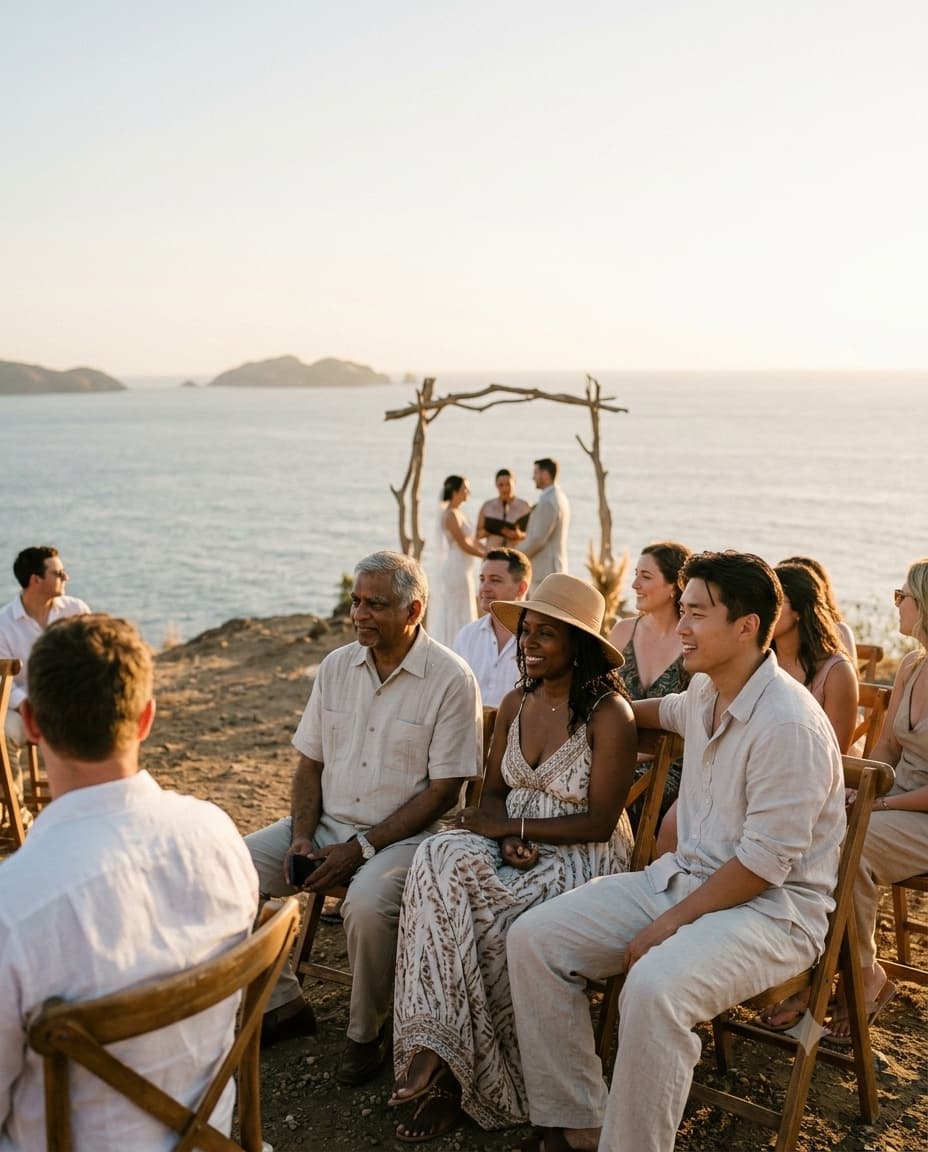
Scan to upload
From anywhere on the trip
Three steps to every traveling guest's photos.
Built so guests arriving from anywhere, on any connection, can contribute without friction.
Create your destination wedding gallery
Set up your event in under a minute, name it, set your wedding dates, and connect your Google Drive if you want a copy there. Uploads from every location and every day land in one place.
Design a QR code guests carry across every event
One branded QR code covers your whole multi-day, multi-location itinerary, welcome dinner, ceremony, reception, so guests never hunt for a new link at each stop.
Guests upload whenever their connection allows
Traveling guests scan with their phone camera and upload straight from the browser. No app to download over hotel wifi, no account to create before the flight lands.
What event hosts are saying
Very good for sharing event photos by the guests and free

Ramiro
1 photo · Wedding · Translated
Hey!! Guestdrop is so useful app, using it for my wedding wish me luckk:)) thankful for such agood experience

Tulin S
11 photos · Wedding
Easy to use, and met all the requirements I was looking for

Amanda Ramos
13 photos · Wedding · Translated
A destination wedding gallery, built for travel.
Everything a couple needs, nothing a guest has to install, wherever the trip takes them.
One gallery across every time zone
Guests fly in from different cities and countries and upload whenever they land, at their own pace. Every photo still lands in the same gallery, regardless of when or where it was taken.
Built for spotty venue wifi
Destination venues rarely have reliable connectivity for every guest at once. Uploads work from any mobile browser, so guests can try again the moment a signal appears.
An optional copy of every photo in your own Google Drive
No third-party vendor account to request access to after the trip. GuestDrop keeps every guest upload, from the welcome dinner to the send-off brunch, and sends a copy to your Google Drive if you connect it.
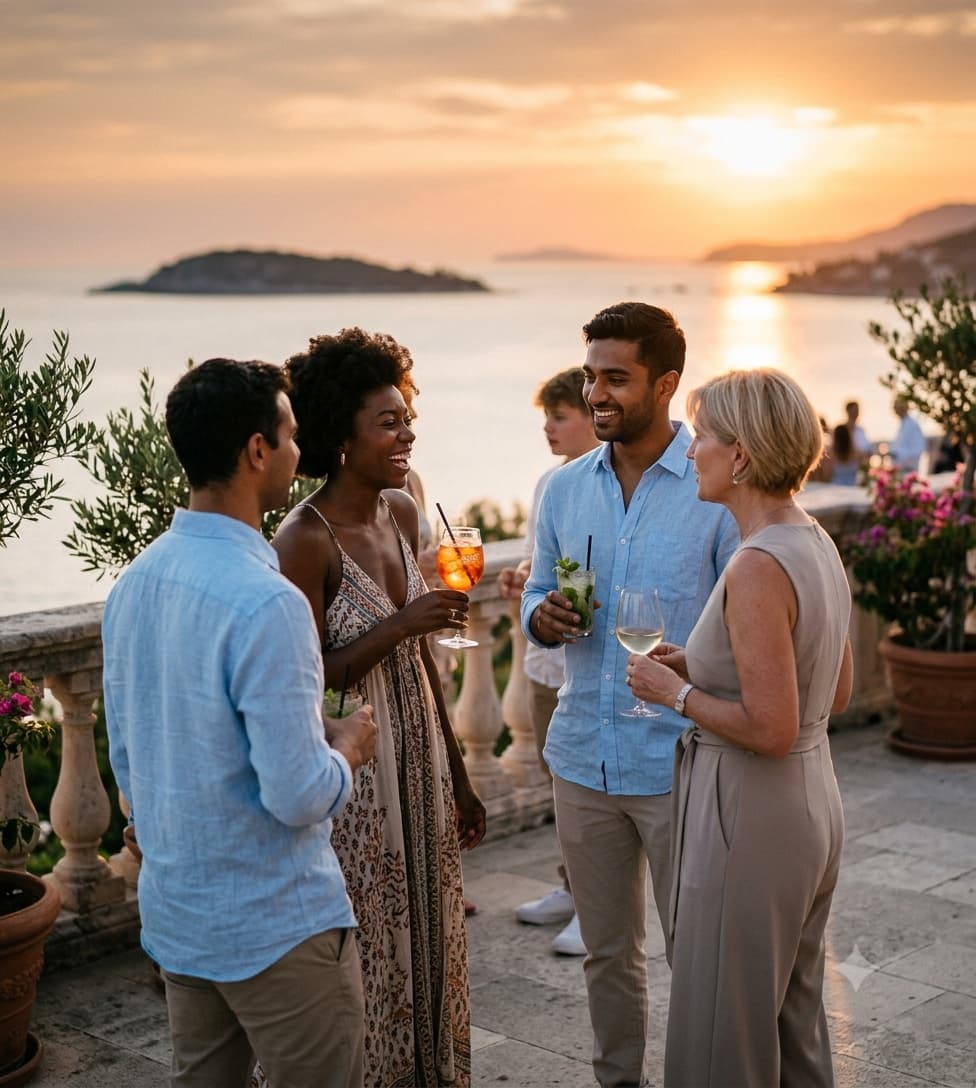
One gallery, every location
A multi-location destination wedding often means multiple photographers and no single shared album. GuestDrop gives every guest, at every stop, the same one QR code and gallery.
A QR code that matches your wedding branding
Design a branded QR code with your wedding colors and monogram so it looks intentional on welcome bags, table cards, and signage at every destination event.
Room for every guest's photos
Whether it is an intimate 40-guest elopement abroad or a 300-guest multi-day celebration, every traveling guest can contribute, with 10 GB for the whole event free and no per-photo charge.
A live gallery guests can revisit mid-trip
Uploads land in a beautiful, Apple Photos-style gallery in real time, so guests still at the destination can look back on the welcome dinner while the weekend continues.
7 days of access, a copy in your Drive for good
Your GuestDrop gallery stays open free for up to 7 days after the event date, long enough for jet-lagged guests to catch up once they are home. Then you have 30 days to download everything, and your Drive copy stays.
Common questions from destination couples.
Do our guests need wifi or an app for a destination wedding?
No. Guests scan your QR code with their phone camera, which opens a mobile-friendly upload page in the browser. There is nothing to install, so guests can upload the moment they find a signal, even on hotel or venue wifi.
What if guests upload photos days after the wedding, once they are back home?
That works fine. Your GuestDrop gallery stays open free for up to 7 days after the event date, so jet-lagged guests scattered across time zones can upload whenever they get to it, and every photo still lands in the same gallery.
Can one QR code cover multiple events across our destination wedding weekend?
Yes. One event and one QR code can cover your entire itinerary, welcome dinner, ceremony, reception, and any other stop, so guests never need a different link for each event.
Where do all the photos from every location end up?
GuestDrop keeps every original, and sends a copy to your own Google Drive if you connect it. Every guest upload, from every destination stop, lands in your gallery and in a Drive folder you control, not a vendor-hosted account.
More destination wedding location guides.
Not a destination wedding? Start with the main wedding photo sharing guide.
Just need a quick QR code for a welcome bag or signage? Try the free QR code generator.
Ready to collect every traveling guest's photos?
Create your destination wedding gallery, share your QR code, and collect photos from every stop, with a copy in your Google Drive.