How to Share Wedding Photos with Guests: The Ultimate 2026 Guide
Stop chasing guests for photos. Learn the most efficient, high-quality, and frictionless ways to collect every memory from your wedding day.

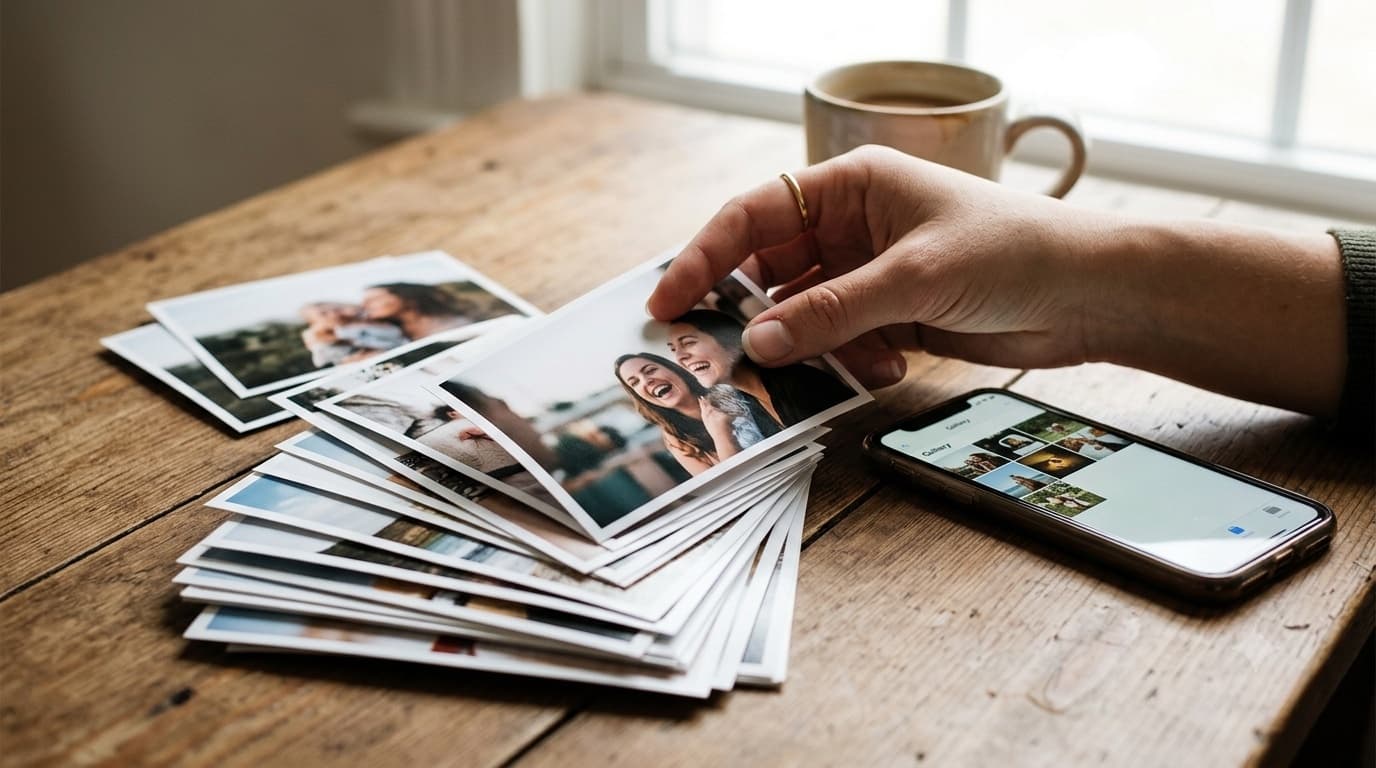
A wedding means a large guest list, and often several events spread across multiple days. By the time the last one wraps, the couple's best candid photos are already scattered, some on a cousin's phone, some in a friend's camera roll they'll forget about within a week, a few buried in a group chat nobody scrolls back through. Your professional photographer captures the planned shots, but the raw, unposed moments, the reaction nobody staged, the in-between laugh, the grandparent dancing when they think no one's watching, live on the phones of the people who were standing closest. Here's the practical guide to actually getting those photos back.
Why do the usual ways of sharing wedding photos fall short?
Most couples default to one of three tools, and all three fall short in ways that only become obvious after the fact.
Group chats feel like the natural choice because everyone already has the app. The problem is what happens the moment a photo is sent: messaging apps recompress photos and videos on send to save bandwidth, so the crisp original a guest captured arrives on your end visibly softer, with detail quietly lost in the process. Worse, that media lands buried between dinner logistics, "where do I park" questions, and a wall of celebratory emoji, with no way to browse just the photos without scrolling through the entire conversation thread.
Shared cloud albums solve the compression problem but introduce a different one: friction at the front door. A guest has to already have, or create, an account in the same ecosystem the album lives in, and then actively accept an invite before they can contribute anything. That's two steps most guests never get around to, especially anyone outside the specific app ecosystem the album was set up in, or a relative who just isn't comfortable navigating an unfamiliar interface mid-celebration.
Social hashtags get you visibility but not access. Photos tagged to a hashtag surface publicly, which is great for a feed but useless for actually building a private archive, you get no reliable way to pull the full-resolution originals back down, and anything posted from a private account never reaches you at all. A meaningful share of the best photos taken that day simply never surface anywhere you can see them.
What happens when a guest scans the QR code?
A modern QR-based flow replaces all three of the above with one path, and it's worth walking through exactly what happens, step by step, because the mechanics are what make it work.
The couple generates one branded QR code for their event, their own colors, an embedded logo or monogram, styled dots instead of the default blocky pattern, and that single code maps to exactly one event. A guest scans it with their phone's camera and lands directly on an upload page with no login screen, no sign-up form, and nothing to install. From there they multi-select the photos and short videos they want to share. Those files upload directly from the guest's own browser to storage, the platform's servers never sit in the middle handling the raw bytes, which is exactly why larger video files work reliably and why nothing gets silently recompressed along the way. GuestDrop keeps every original, sends a copy to the couple's own Google Drive if they connect it, and the media surfaces in the couple's gallery in near real time, so photos taken during cocktail hour can already be visible by dinner.
The ownership consequence matters more than it sounds: those files are the couple's from the moment they land. Nothing is trapped inside a vendor's proprietary format, and nothing depends on a third-party app staying in business, keeping its free tier, or leaving its terms unchanged five years from now.
Where should you put the QR code, and when?
Placement decides whether a QR flow actually gets used. The strongest spots are the ones where guests are already standing still with a moment to spare: welcome signage at the entrance, a small card at each place setting, a standee near the bar and another near the gift table. Beyond the physical venue, the same code belongs on the digital invite and event website ahead of time, and in a follow-up message sent out after the celebration wraps.
Timing matters as much as placement. Prime guests before the event by including the link in the invite, so people arrive already aware there's a place for their photos to go. During the event, have the host or emcee mention it once, briefly, during a natural lull rather than repeatedly over the microphone. And keep the event open for at least a week afterward, guests reliably surface their best shots days later, once they've had a chance to actually look back through what they captured.
How do you get more guests to actually upload?
A handful of small choices meaningfully change how many guests bother to participate. Design the branded code so it reads as part of the stationery, matching colors, a subtle logo, rather than as a plain black-and-white square that gets scanned reflexively and ignored, the way a parking-meter code does. Keep the card itself high-contrast and legible from arm's length rather than clever or over-designed. Add one short line of instruction above the code, something as simple as an invitation to help capture the day, so guests know exactly what scanning it does before they do it. And give the host or emcee a single line they can say verbatim during their announcement, so the ask sounds natural rather than scripted.
For a deeper breakdown of QR placement, branding, and low-light scanning, see our ten QR code tips for 2026, and for the guest-side psychology behind why frictionless flows actually get used, read the frictionless guest experience. Couples planning a wedding with more regionally specific traditions and terminology may also want our deep dive on QR codes for weddings, which covers placement and etiquette for multi-day, multi-event celebrations in more detail. For the exact words to print on your signs and table cards, see wedding QR code sign wording, and if you are still choosing a tool, our comparison of QR code photo sharing apps for weddings ranks the options. If WedUploader is on your shortlist, GuestDrop vs WedUploader compares the two directly.
Who this is for beyond weddings
The same flow works for any gathering where memories end up scattered across guests' phones, a corporate offsite, a milestone birthday, a family reunion. If you're planning something beyond a wedding, our corporate event photo sharing page covers the same mechanics applied to a very different kind of guest list.
The timeline: what to do, and when
The sections above lay out advice in topic order, placement, then design, then who this is for, which is not the order a couple planning a wedding actually needs it in. Here is the same advice arranged as a schedule, where each moment carries the specific decision it forces.
Six to eight weeks out: create the event, generate the branded code, and settle the two decisions that get genuinely awkward to change once they are already communicated, whether the gallery link goes out open or password-protected, and who other than the couple holds the hide control for reviewing what comes in. Two to three weeks out: the link goes into the digital invite and onto the wedding website, so nobody meets the idea for the first time on the day itself. One week out: print, and proof exactly one card by scanning it before the full run goes to press. The day before: place the cards around the venue and give the emcee their line to read. The day of and the days after get one sentence each here, because both are already covered in detail above, one brief mention at a natural lull during the event, and a follow-up message with the link sent a few days later. The weight of this timeline sits deliberately on the weeks-before decisions, which is the part nothing earlier in this guide actually schedules.
What to do with the photos once you have them
This guide has so far stopped the moment files land in the couple's gallery, and that is exactly where a reader's real questions tend to start. Uploads keep trickling in for days as guests get home, unwind, and finally go through their own camera rolls, so the gallery on the first evening is not the final set, and treating it as one means missing the shots that arrive on day three or four.
Do one deliberate review pass with the hide control before the gallery link goes out beyond the immediate family circle, and decide at that point whether the shared link stays open or gets password-protected. Once the arrivals have genuinely stopped, do the bulk download into whatever folder structure the couple actually uses day to day, the files were already theirs from the moment they landed, so this step is organization, not a rescue operation.
It is worth being plain about what this archive is actually good for, and what it is not. It is the unposed second set that sits alongside the photographer's edited delivery, the reaction nobody staged, the table-level candid, the angle nobody was specifically assigned to cover. It is not a substitute for that delivery, and treating it as one undersells what a professional's direction, lighting, and editing actually contribute.
What this does not do
An honest-limits section belongs here, in the same register the rest of this guide uses. Guests can only give you what they actually took, a guest who shot nothing that day contributes nothing to the gallery, and no amount of signage or a well-placed card changes that fact. What does arrive is unculled and unedited: duplicates, a few blurred frames, a dozen near-identical shots of the same toast from a dozen different angles. That is simply the nature of an open archive, and it is exactly why the review pass described above exists rather than being optional.
This setup does not replace a professional photographer's coverage, direction, lighting, or editing, and it was never trying to. And it does not make guests participate by itself, placement where people are already standing still, and one short spoken ask from the host or emcee, are what actually do that work. Being direct about all of this is the point of the section, not a hedge to soften.
Conclusion
A wedding produces more photos than any one photographer, or any one guest, could ever capture alone. The goal isn't to replace your photographer, it's to make sure the hundreds of other cameras in the room, the ones held by the people who love you most, don't go to waste. A branded QR code, a no-login upload page, and storage the couple actually owns closes that gap without asking guests to do anything they wouldn't already do in fifteen seconds. You can try the whole flow yourself, free, with our QR code generator before your event, and read the full mechanics of a digital guestbook if you want the complete picture of how a modern photo-sharing setup for wedding photo sharing actually works end to end.
Frequently Asked Questions
How do I collect wedding photos from guests without making them download an app?
Guests never install anything. A branded QR code placed around the venue links to a browser-based upload page scoped to your event, so a guest scans, selects their photos and videos, and uploads directly from their phone's browser without downloading an app or creating an account.
Do guests need a Google account or any login to upload?
No. There is no sign-up form, no password, and no login screen of any kind. The upload page opens directly after a scan, the guest picks their files, and the upload begins immediately, which removes the single biggest reason guests skip sharing altogether.
Where do the photos actually end up, and who owns them?
Every upload goes straight from the guest's browser to GuestDrop's storage, and a copy goes to the couple's own Google Drive account if they connect it. The files belong to the couple from the moment they land, not to a third-party app that could change its terms later.
How long should the upload link stay open after the wedding?
Keep the event open for at least a week after the wedding. Many guests do not sort through their camera roll until a few days later, and a handful of the best candid shots typically arrive well after the event ends, not during it.
How far in advance should we set up the QR code and gallery?
Start six to eight weeks out. Create the event, generate the branded code, and settle the two decisions that get awkward to change later, whether the gallery link goes out open or password-protected, and who other than the couple holds the hide control. The link then goes into the digital invite two to three weeks out, and printing happens about a week before the wedding, with one proofed card scanned before the full run goes to print.
Do we still need a professional photographer if guests are uploading?
Yes. A guest archive is the unposed second set, reaction shots, table-level candids, angles nobody was assigned to cover, alongside the photographer's edited delivery, not a substitute for it. Guests can only give you what they actually took, and what arrives is unculled and unedited, so it complements a photographer's coverage rather than replacing the direction, lighting, and editing a professional provides.
Start your GuestDrop event today and see the difference a frictionless experience makes.
Ready to simplify your event?
Set up your GuestDrop event in under a minute and start collecting every guest's photos today.
Create Your Event - Free