Gather the photos and memories your family wants to keep.
A gentle, private way to gather the photos family and friends want to share, the candid someone has kept for years, a shot from the service itself. No app, no signup, no pressure to do it all at once.
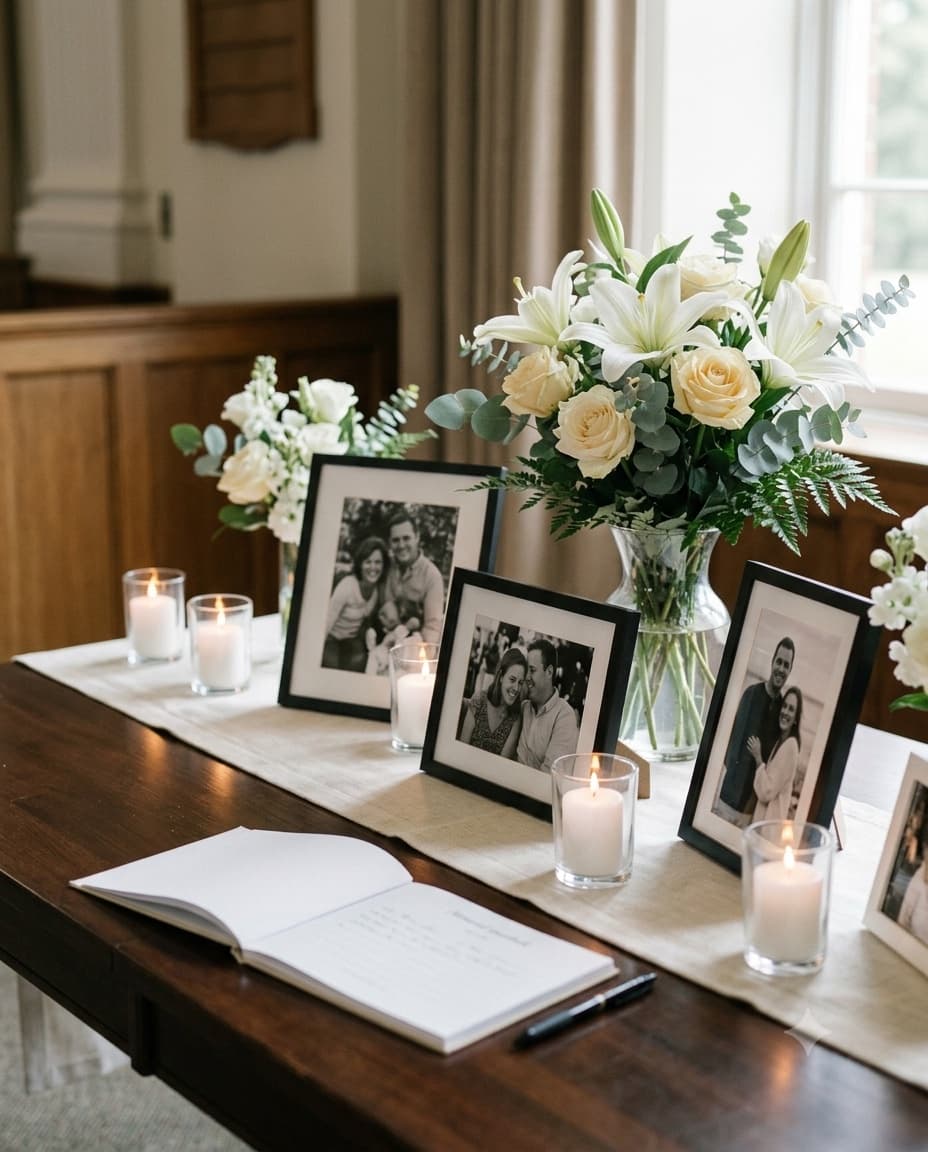
Add a memory
A copy kept privately in your family's Drive
A simple way to gather what everyone remembers.
Built to be easy for family of any age, at a time when simplicity matters most, whether someone is adding a photo the same week or returning to the gallery months later.
Set up a gallery for the gathering
Create a private space in a couple of minutes and connect your own Google Drive, so a copy of every photo that comes in, from a candid a cousin has kept for years to a shot from the service itself, stays somewhere your family already trusts, not scattered across everyone's phones.
Share a simple QR code
Print it on the order of service, a memory table card, or a sign near the guest book, or simply share the link privately with family and close friends who could not attend, so they can add what they have whenever they are able to.
Loved ones add photos in their own time
No app to download, no account to create. Anyone who wants to share a photo or a short video can do so whenever they are ready, weeks or months from now, from their own phone, at their own pace.
What event hosts are saying
This year is free and it really helps a lot, I'm using it for my XV.

Nicol
Translated
It was easy and helpful ! Will use again
Brandi Lewis
77 photos
You can share your best photos...or the worst!

Mariage Alix et Romain
Translated
easy to use and set up

Jim Ken
226 photos
A quiet, shared place for what matters.
Photos tend to arrive slowly, not all at once. This stays open long enough for that, and asks nothing of anyone in the meantime.
Everyone can contribute, at their own pace
Family and friends often hold onto a photo they never got around to sharing, a candid from years ago, a moment from an old gathering that only one person kept. A single QR code gives them a simple way to add it, whenever they feel ready, with no deadline attached.
One shared place for the whole family
Instead of photos scattered across dozens of relatives' phones and group chats, everything gathers in one gallery the whole family can return to, now and in the years that follow, a place worth coming back to rather than something built for one day.
A copy in your own Google Drive
Every photo and video is kept in the gallery, and a copy is saved to your family's own Google Drive, not a third-party account someone has to remember to access later. That copy stays with your family, on your own terms, for as long as you want to keep it.
Kept private, shared only with who you choose
The gallery link can be shared quietly and only with the people you want to include, and there is no limit on how many can be invited. There is no public listing and no requirement to make anything visible beyond your family and friends.
Questions families often ask.
Is this only for the day of the service?
No. The gallery stays open for up to 7 days after the event date, so relatives who could not travel, or who simply need a little more time, can still add a photo or a short video in the days that follow, and look at what others have shared without needing to do it all on one day.
Do family members need to download anything?
No app and no account. Anyone can scan the QR code or open the link and add a photo directly from their phone's browser, which matters for older family members who would rather not install something new just to share one photo.
Where do the photos and videos actually go?
GuestDrop keeps every original, and sends a copy to your own Google Drive if you connect it. Every upload from family and friends, whether it arrives the same week or months later, lands in the gallery and in that same Drive folder automatically, gathered in one place instead of scattered across everyone's phones and old messages.
Can we keep the gallery private?
Yes. Share the link only with the people you choose, and there is no limit on how many photos can be added by the people you invite. There is no public page and no requirement to post it anywhere beyond your own family and friends.
More on gathering photos in one place.
A gentle place to gather what everyone remembers.
Create a memorial gallery, share the QR code quietly with family and friends, and let the photos, the ones people have been holding onto, come together in their own time, with no deadline attached.
Need just a QR code for the order of service or a memory table? Generate one for free.