Photo sharing for grandparents, with nothing to install.
Share pictures with grandparents without the app store. Collect everyone's photos from the birthday, the holiday dinner or the recital into one gallery, then send grandparents a single link that opens in any browser, with no account to make.
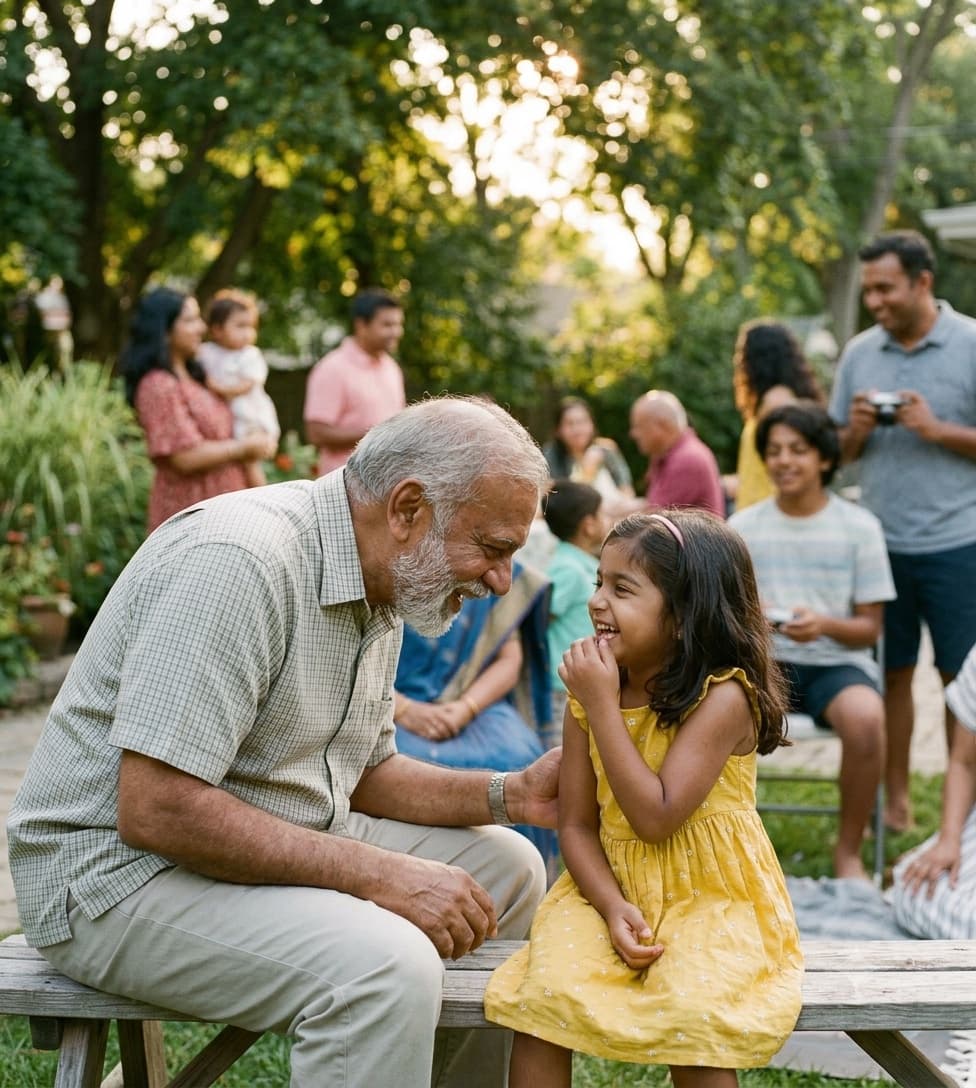
One link, every photo
Opens in any browser
Three steps, and none of them are theirs.
You do the setup once. Grandparents only ever tap a link, or point their camera at a code if they want to add photos of their own.
Create a gallery for the occasion
Name it after the gathering, like a first birthday, a holiday visit or a graduation, and set the date. Connect your own Google Drive if you want every photo saved there as well.
Let the family fill it
Share the QR code or link with parents, aunts, uncles and cousins. They upload photos and short videos from their phones in a couple of taps, straight into the same gallery.
Send grandparents one link
Add a password to the gallery (or make it public), then text or email the link along with the password. It opens in the browser they already use, shows every photo in one place, and lets them save the ones they love.
Built around what grandparents struggle with.
Most photo sharing breaks at the login screen or the app store. This skips both.
Nothing to install, nothing to remember
No app, no account, no password reset emails. The link opens a web page, and that's the whole experience. If they can open a text message, they can see the photos.
Every photo, not just yours
The best shots of the grandkids are usually on someone else's phone. One gallery gathers everyone's photos from the day, so grandparents see the whole event, not only what one parent remembered to send.
Full quality for printing
Chat apps shrink photos. Uploads here keep their original resolution, so the picture a grandparent wants framed or printed for the fridge still looks sharp at print size.
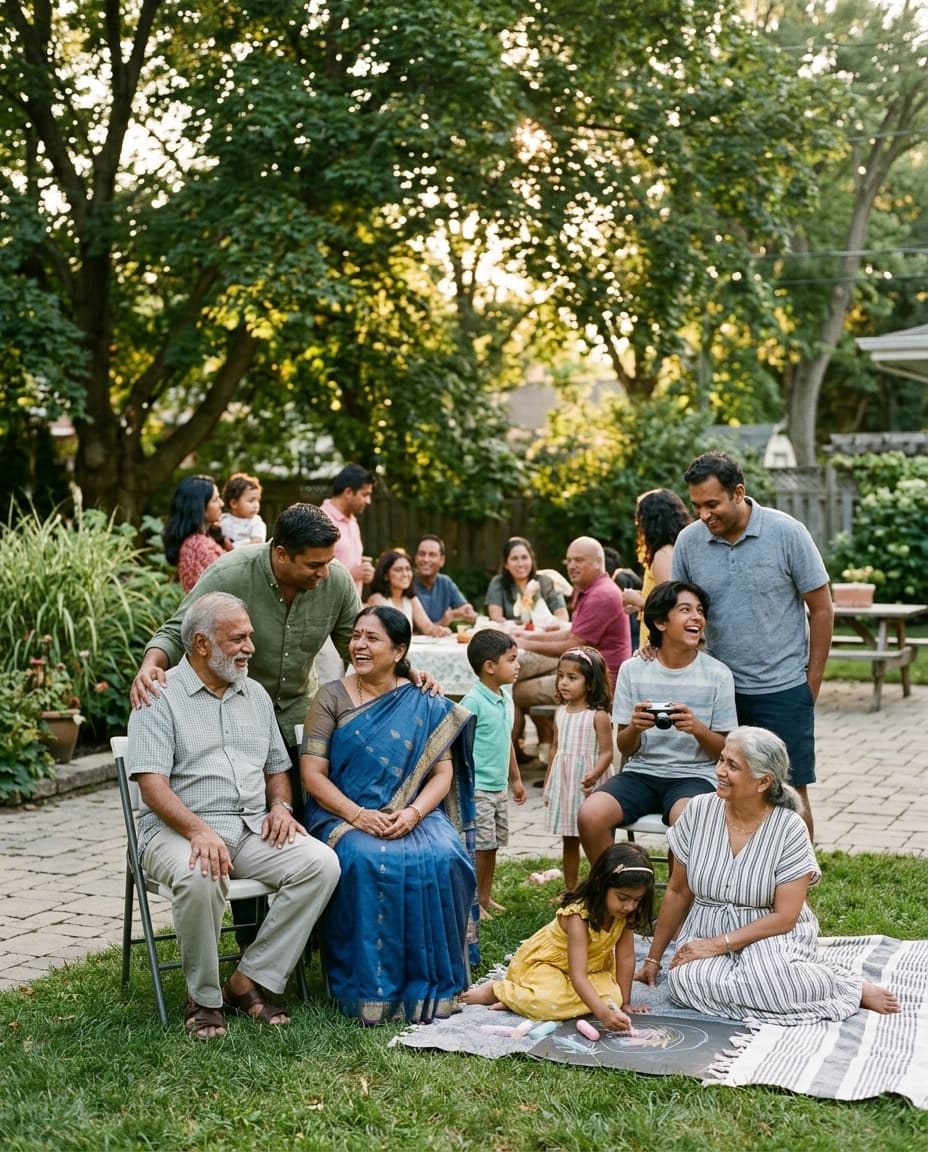
They can add photos too
Grandparents who were at the gathering can point their phone camera at the QR code and upload what they took. Their photos of the grandkids end up in the same gallery as everyone else's.
Big screen, big photos
Photos open full screen and can be swiped one at a time, which is kinder to older eyes than a crowded chat thread. For a public gallery you can also switch on a slideshow for a TV.
Kept to the family with a password
A public gallery can be found by anyone, including search engines. Add a password and only people you give it to can open the gallery, and you can remove any photo at any time.
Sharing photos with grandparents, answered.
Do grandparents need to download an app or create an account?
No. They tap the link you send and the gallery opens in their phone, tablet or computer browser. There's no app to install and no sign-up. If you protect the gallery with a password, that's the only thing they need, and you can send it with the link.
Is this an everyday family photo feed?
No, and that's worth knowing up front. GuestDrop is built around occasions: each gallery collects photos from one gathering, like a birthday, a holiday or a school event. If you want to post daily baby photos to a running feed, a family album app is a better fit.
Is it free?
Yes. Creating the gallery, uploads, viewing and downloads are free. A gallery stays open free for up to 7 days after the event date. If you want grandparents to keep coming back to it for longer, a one-time purchase extends that event's gallery.
Can grandparents save or print the photos?
Yes. They can open any photo full screen and download it at its original quality, which is good enough to print. You can also download the whole gallery yourself and send prints or a photo book.
More on family photo sharing.
Send grandparents every photo from the day.
Create the gallery, let the family fill it, and send one link. It takes a minute to set up, and grandparents never have to install a thing.
Just need a QR code for the family gathering? Try the free QR code generator.