Every photo from the party, in one place.
A QR code on the cake table collects every guest's photos and short videos, from the candles to the last dance, in one gallery. No app, no signup, nothing left behind on someone else's phone.

Scan to upload
Straight to the birthday gallery
Three steps from invite to full album.
Kids' friends, grandparents, coworkers and the cousin with the good camera can all add photos without installing anything or making an account.
Create the birthday gallery
Name the party, set the date, and connect your own Google Drive if you want the photos saved there. It takes about a minute, so you can do it the night before or while the balloons are still going up.
Put the QR code where people gather
Print it on a table card by the cake, tape it next to the drinks, or send the link in the invite chat. Pick colors that match the party theme so it looks like part of the decorations.
Guests scan and upload from their phone
Guests point their camera at the code and add photos and short videos in a couple of taps. Everything lands in one gallery while the party is still going, so you can watch it fill up.
What event hosts are saying
Everyone could quickly access the app directly, both Android and iPhone.
Alja
Built for how birthday parties actually go.
The host is busy, the guest of honor is never behind the camera, and the best photos are spread across twenty phones. This fixes that.
The host finally gets to be in the photos
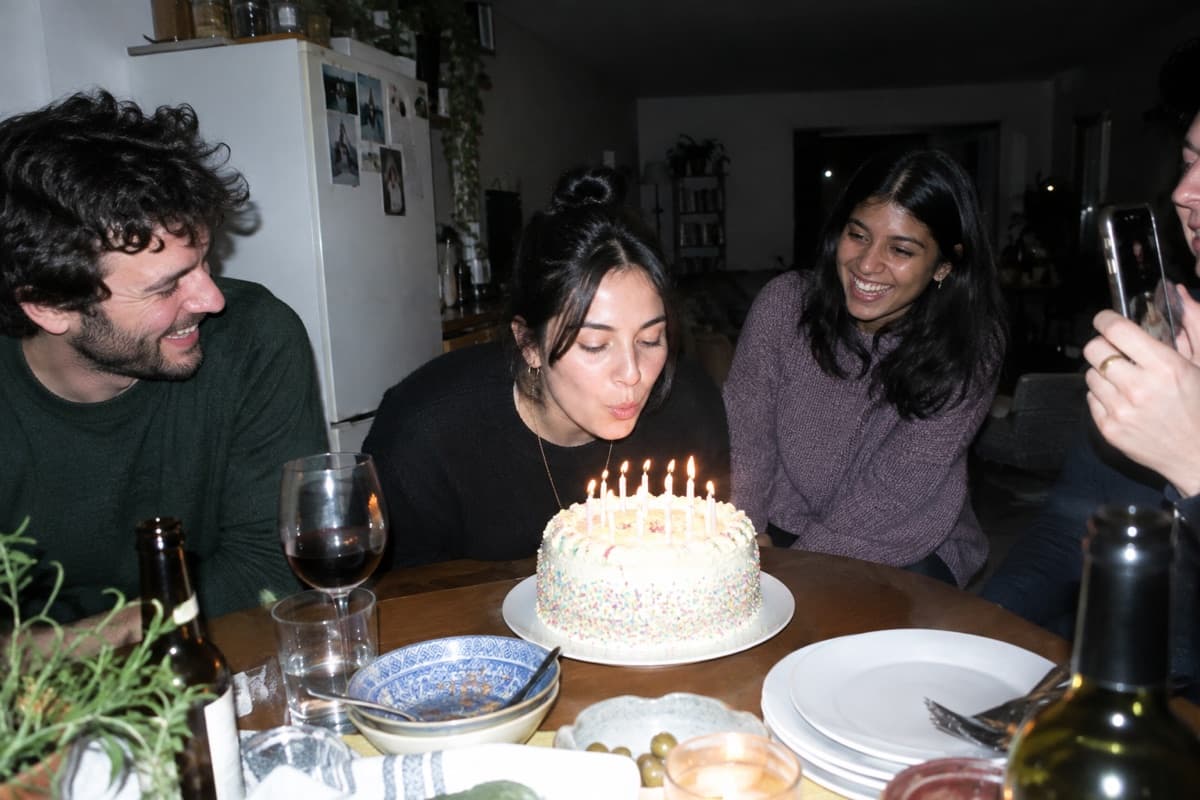
Whoever throws the party spends it lighting candles, greeting people and refilling drinks, so they rarely end up in a single shot. With every guest uploading, you get the moments you were too busy to capture yourself, and the ones you are actually in.
Easy for guests of every age
A first birthday brings grandparents; a sweet 16 brings teenagers; a 50th brings both. Scanning a code with the phone camera is something all of them already know how to do, so nobody gets left out of the album.
Photos saved to your own Drive
Connect Google Drive and every upload goes straight into a folder you own, at full resolution. Without Drive, photos are kept in the gallery for you to view and download while it's open.
No limit on guest count
A backyard party for ten or a rented hall for two hundred works the same way. Any number of guests can scan and contribute, and you choose how many photos and videos each phone can add.
Works for surprise parties too
Set the gallery live and put the code out during setup, before the guest of honor walks in. The first minute after the reveal produces the photos everyone wants, and guests can upload them on the spot.
Time for late uploads
The gallery stays open free for the number of days you choose, up to 7 after the party date, so guests who went home early or forgot on the night can still add their photos. Need longer? A one-time purchase keeps it open.
Birthday party photo sharing questions.
Do guests need an app to share birthday photos?
No. Guests scan the QR code with their phone camera and an upload page opens in the browser. There's nothing to install and no account to create, which matters when half the guests are under 12 or over 70.
Is it free?
Yes. Creating the gallery, the QR code, guest uploads and downloads are all free. The gallery stays open for up to 7 days after the party date at no cost. If you want it to stay open longer, you can buy a one-time extension for that event.
Can I use it for a surprise party?
Yes. Create the gallery ahead of time and share the code or link with guests before the party. The guest of honor doesn't need to know about it, and you can share the full gallery with them afterward.
Can I stop inappropriate photos from showing up in a kids' party gallery?
You can review the gallery and remove any photo or video at any time, and you decide whether the gallery is public or private. Only people with the QR code or link can upload in the first place.
More birthday photo ideas.
Ready to collect every birthday photo?
Create the gallery, put the QR code by the cake, and let your guests fill it. It takes a minute to set up and nothing for guests to install.
Just need a QR code for the invite or the cake table? Try the free QR code generator.