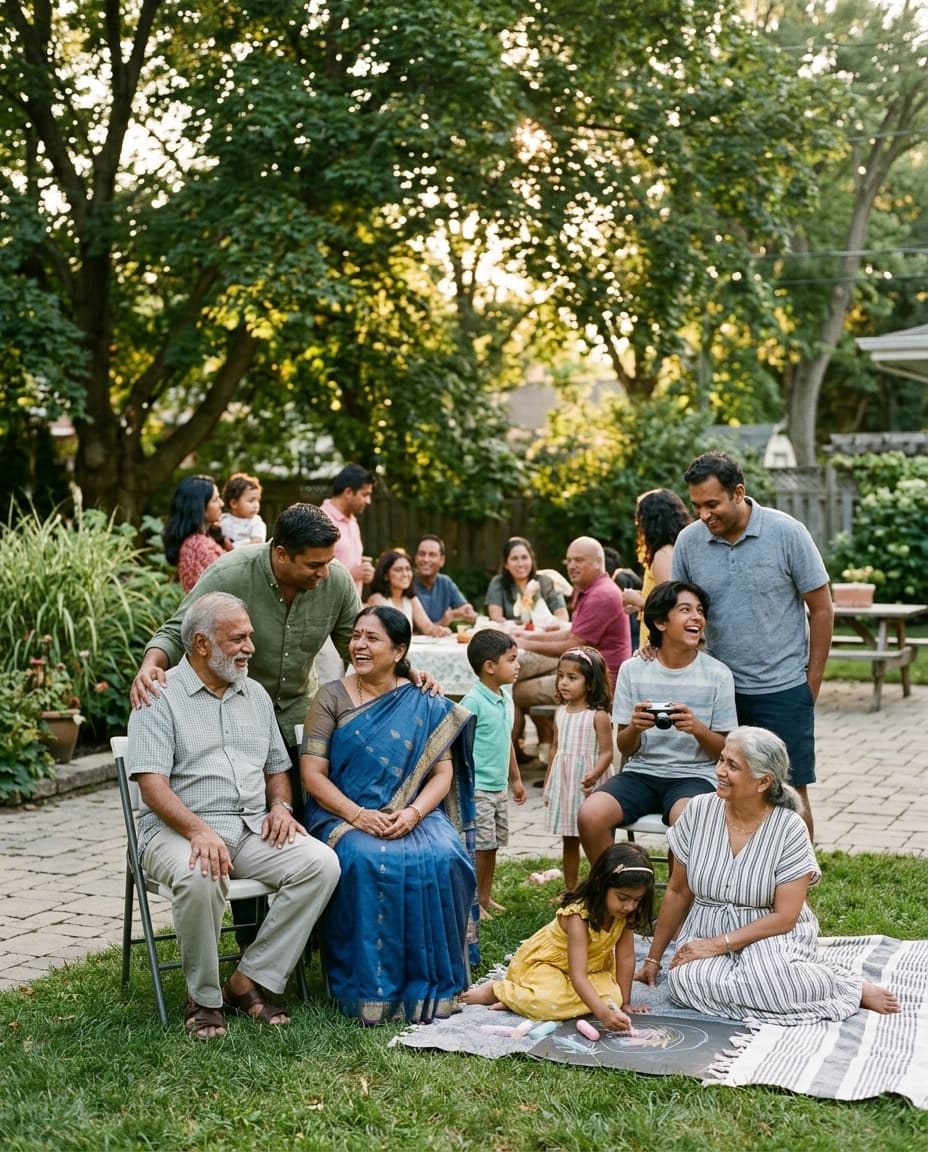
One gallery, every generation of the family.
A branded QR code that collects every reunion photo and video, from the backyard cookout to the whole-family lineup photo everyone gets dragged into. Reuse the same simple pattern the next time everyone gathers.
Scan to upload
Straight to your gallery
Three steps to a family album everyone shares.
Built so relatives of every age and comfort level can contribute without friction, whether they are the aunt who takes hundreds of photos or the grandparent who has never scanned a QR code before.
Create this year's reunion gallery
Set up the gathering in under a minute, name it, set the date, and connect your own Google Drive if you want a copy there, so every relative's upload, from the potluck table to the backyard cookout, lands somewhere the family already trusts instead of scattered across a dozen different phones.
Share one QR code with the whole family
Print it on the reunion t-shirt, a welcome table sign, or the back of the potluck sign-up sheet, or just share the link in the family group chat. Cousins, aunts, uncles, and grandparents all scan the exact same code, no separate link for each branch of the family.
Every generation uploads at their own comfort level
No app to download, no account to create. From grandparents holding great-grandkids for the first time to kids running loose in the yard, everyone just scans the code and adds their photos and short videos straight from their own phone, whenever they get around to it.
What event hosts are saying
This year is free and it really helps a lot, I'm using it for my XV.

Nicol
Translated
It was easy and helpful ! Will use again
Brandi Lewis
77 photos
You can share your best photos...or the worst!

Mariage Alix et Romain
Translated
easy to use and set up

Jim Ken
226 photos
Built for reunions that happen every year.
Everything the family needs for a gathering that only happens once a year, and nothing a relative has to install, download, or remember a password for.
Every generation contributes
Grandparents, parents, and grandkids all capture different moments, the whole-family lineup photo, the potluck table, cousins meeting again after years apart. One QR code means the reunion album reflects everyone who showed up, not just whoever remembered to bring a camera that day.
No app for relatives to figure out
Not every relative wants to download a new app for an event that only happens once a year. GuestDrop runs entirely in the phone's browser, so scanning the code and uploading a photo takes about as long as it takes to explain what the code even is.
Your family keeps a copy
Every photo and video is kept in the gallery, with a copy in your own Google Drive if you connect it, not a third-party account someone in the family has to manage, remember the login for, or worry will disappear if a subscription lapses years from now.
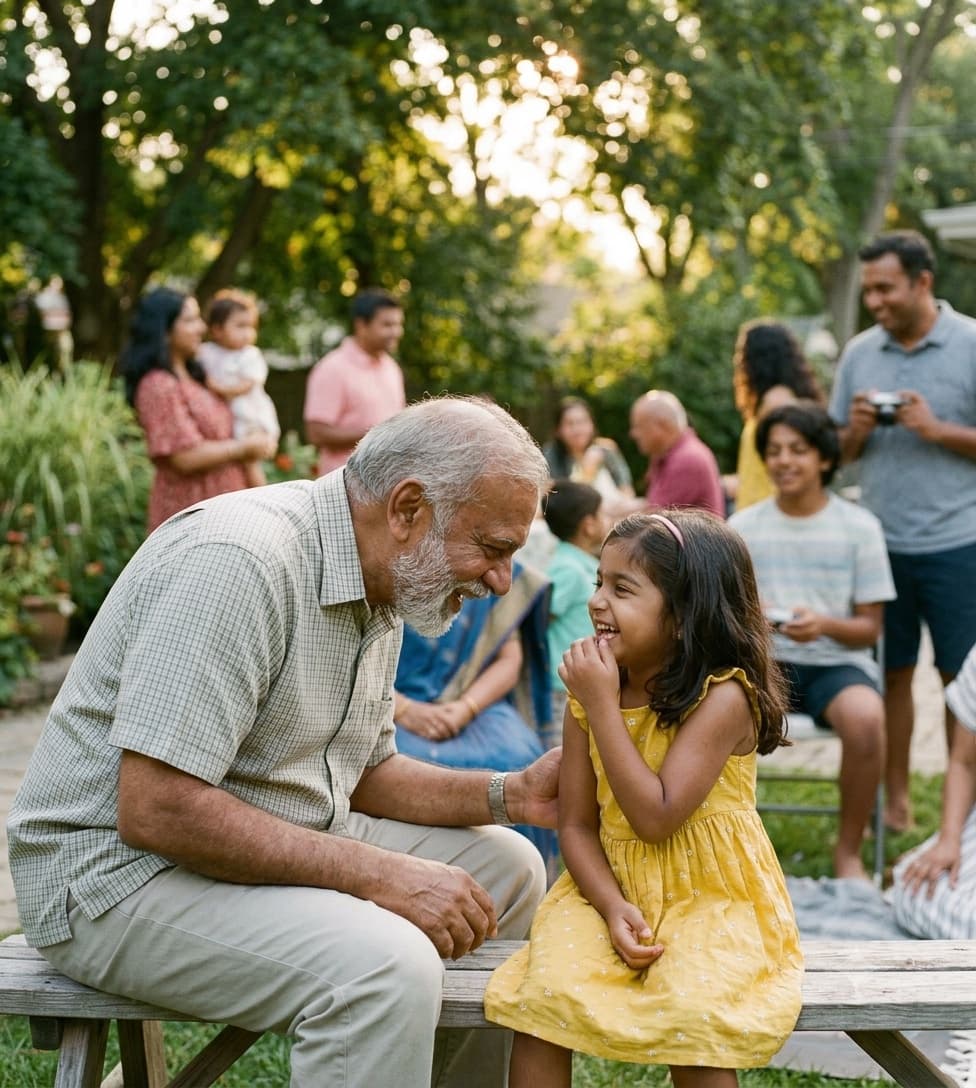
Reuse the same pattern every year
Create a fresh gallery for next year's reunion using the same simple pattern, same QR code style, same easy upload flow, so nobody has to relearn anything and the family already knows exactly what to do.
Room for every branch of the family
Whether it's a 15-person backyard gathering or a 150-person multi-generational reunion with relatives who drive in for one afternoon, the gallery holds 10 GB of photos and videos free, and there is no limit on how many people across every branch of the family can contribute.
7 days to gather everyone's photos
The gallery stays open for 7 days after the reunion, so relatives who forgot to upload on the day, who left before the group photo, or who are still going through their camera roll a week later, all still have time to add what they captured.
Common questions from families.
Can we use this for our reunion every year?
Yes. Create a new gallery for each year's reunion, and the family already knows the pattern from the year before, the same QR code style, the same scan-and-upload flow, so there is nothing new to explain at the next gathering, just a fresh gallery, and a fresh Drive folder if you connect Drive, for a fresh set of photos.
Will older relatives be able to use it?
It is designed to be simple for any age, scan the QR code with the phone's camera, tap the link that appears, and upload. There is no app to install, no account to create, and no login to remember, which matters when the person scanning it is a grandparent holding a great-grandkid in one hand.
Where do all the family photos end up?
GuestDrop keeps every original, and sends a copy to your own Google Drive if you connect it. Every relative's upload, from the group photo to a cousin's fifty photos of the potluck spread, lands in the gallery and in that same Drive folder automatically, building the family archive that currently lives scattered across a dozen phones.
What if some relatives can't make it in person?
Share the gallery link with them directly so they can browse the photos and add their own, even if they could not travel to the reunion this year. It also works well as a shared album for next year's slideshow, so nobody misses out on seeing how everyone spent the day.
More on collecting family photos.
Ready to gather this year's reunion photos?
Create your family reunion gallery, share the one QR code with every generation, and collect the cookout, the lineup photo, and the potluck, with an optional copy in your own Google Drive.
Just need a QR code for the welcome table or t-shirt design? Try the free QR code generator.