10 Pro Tips for Using QR Codes to Collect Guest Photos in 2026
Master the art of event photo collection. From strategic placement to custom branding, here is how to maximize guest uploads with QR codes.

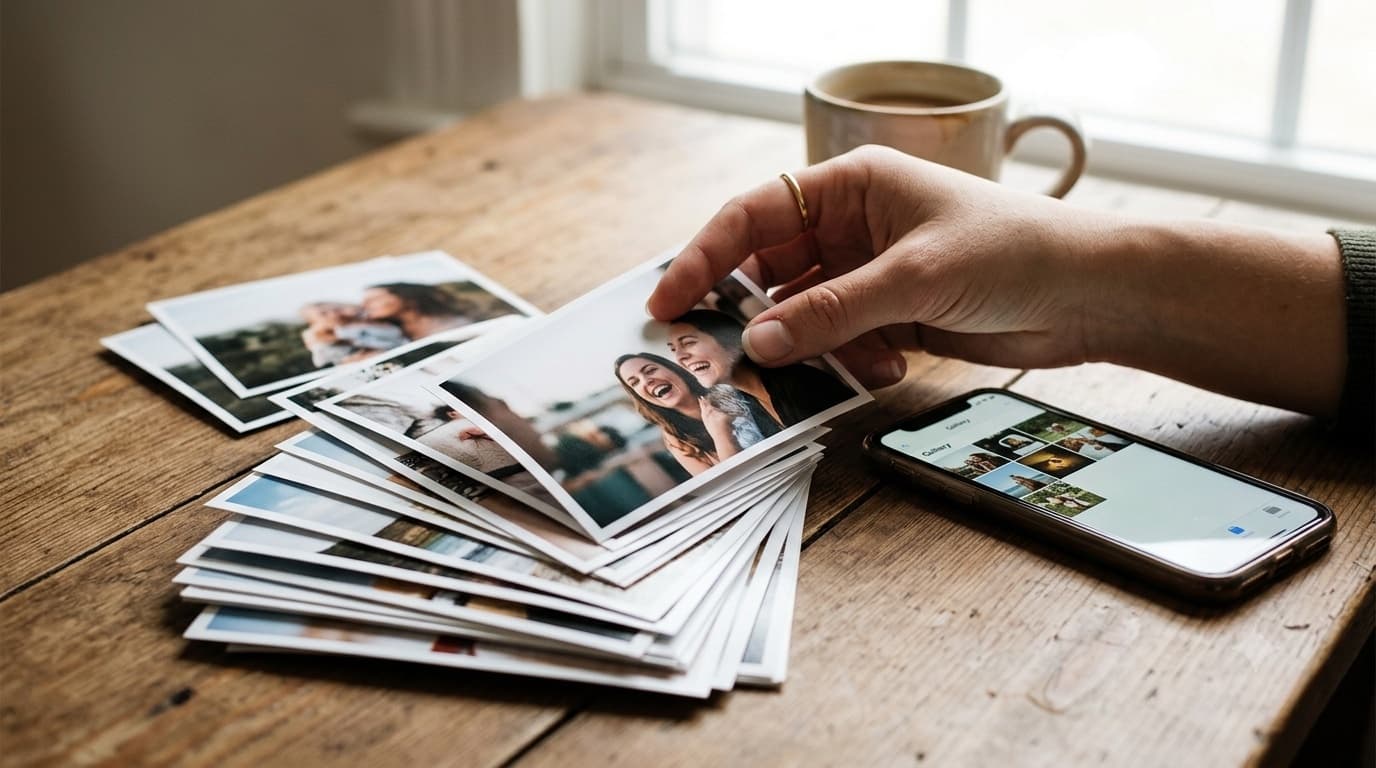
QR-based photo collection has moved well beyond weddings. The same pattern now runs at corporate offsites, family reunions, milestone birthdays, and any gathering where the best photos end up scattered across dozens of guests' phones. But printing a code and sticking it on a wall isn't a strategy by itself, a code that nobody notices, or that fails to scan in the room's actual lighting, collects nothing. Here are ten tips, grounded in how QR scanning and event photo collection actually work, for making sure your gallery fills up instead of sitting empty.
1. Customize your branding
A plain black-and-white square reads like a menu link or a parking-meter code, something guests have learned to scan reflexively, or skip entirely. Adding your event's colors and a small centered logo or monogram signals that the code is part of the occasion itself, worth a second look rather than a reflex. This works because QR codes carry built-in error correction: the pattern still resolves correctly even with a portion of it covered by a logo, as long as the logo stays small relative to the code and the surrounding structure remains intact.
2. Placement is a "where guests already stand still" problem
Every placement tip really reduces to one principle: put the code where guests are already pausing, not somewhere they'd have to go out of their way to find. The classic three spots are the entryway, the bar, and the dining tables, but two frequently missed spots deserve equal attention, the gift table, where guests often linger while dropping something off, and the photo-booth queue, where people are already standing around with a phone in hand and nothing else to do.
3. Use high-contrast design
The QR code needs to stand out clearly against its background to scan reliably, dark code on light stock works consistently, while light-on-dark or low-contrast combinations cause scan failures more often than you'd expect. Keep the quiet zone, the plain margin around the code, clear of decorative borders or flourishes that crowd the edge. And be careful with glossy or foiled card stock directly under a spotlight or overhead light, the reflection off a shiny surface can defeat a phone camera just as effectively as low contrast does.
4. Include a clear call to action
A code with no context gets ignored, even a well-designed one. One short line above the code, telling guests exactly what happens when they scan, closes that gap, something under about eight words, like an invitation to help capture the moment. The line doesn't need to be clever; it needs to remove any hesitation about what tapping the resulting link will do.
5. Add it to your digital invitations
Share the link or the code itself before the event, through your digital invite or event website, so guests arrive already aware there's a place for their photos to go. The same code works identically whether a guest encounters it digitally beforehand or in print on the day, because it points at exactly one event either way, there's no separate setup required for the two contexts.
6. Give your host or emcee a line to say
A brief, fifteen-second mention from whoever is hosting or emceeing gives participation a real, measurable lift over signage alone. The key is keeping it short and giving the speaker an actual line worth reading verbatim, delivered once during a natural lull in the program rather than repeated throughout the night. For more on why this small nudge matters as much as it does, see our breakdown of frictionless guest photo uploads.
7. Use interactive table talkers
A tent-card format at each table puts the code directly in front of guests during the meal, when they're already seated and have a moment to spare. A short photo-prompt list on the reverse, a few specific shots worth capturing, gives guests something concrete to do with the code beyond a generic reminder. On sizing: a table card code should be roughly four centimetres across at minimum so it's easy to focus on from a seated distance, with entrance or welcome signage printed proportionally larger for the greater viewing distance involved.
8. Test in low light
Most receptions run dark by design, which works against a code that hasn't been placed with that in mind. Position cards near a candle, uplighting, or a table lamp rather than in a shadowed corner, and don't rely on how the card looks on your screen at home, test-scan the actual printed card from about arm's length on two or three different phones before the event, since screen brightness and print contrast behave differently under real venue lighting.
9. Put the gallery on a screen
If the venue has screens available, having the host periodically pull up the event gallery gives other guests a visible reason to contribute, seeing a friend's photo appear encourages the next person to add theirs. This isn't a built-in live slideshow feature; it's simply the host opening the gallery and projecting it, which works just as well and requires nothing extra to set up.
10. Keep it open after the event
Don't close the link the moment the event ends. Guests routinely find their best shots on their phone a day or two later, once they've had time to actually look back through what they captured during the celebration. Keep the event active for at least a week to catch that second wave of uploads, which is often where the most candid, least self-conscious photos turn up.
What happens after the scan
Every one of these tips exists to get a guest to the same simple path: a scan opens a no-login upload page scoped to that one event, the guest picks the photos and short videos they want to share, and those files travel directly from their browser to GuestDrop's storage, surface in the event gallery, and are copied to the creator's own Google Drive if it is connected. None of these tips work by making a bad system feel better; they work by removing the last bit of hesitation between a guest noticing the code and actually using a flow that was already frictionless underneath. Worth noting: a structured, full-resolution archive built this way stays useful as AI-assisted photo search keeps improving, in a way a folder of scattered phone exports never will.
Proofing the code before you print the whole run
Tip 8 says to test-scan the printed card and stops there. Here is the actual procedure, in order, with the specific failure each step catches.
Scan the on-screen code yourself first, and follow it all the way through to the upload page, confirming it lands on the right event. This is what catches a run of a hundred cards printed with a code that still points at a test event from when you were experimenting. Then do one real upload from a phone that has never touched the event before, and confirm it appears in the gallery, that is the only way to know the whole path works end to end rather than just the first hop from scan to page. Only after both of those pass, print exactly one card, not the full run, and scan it from the distance a guest will actually be standing at, under lighting like the venue's own, a code sized and tested for arm's length is not the same as a code readable from across a table. Order the full run last, once all three steps have passed. Every step in this sequence is cheap before the print order goes out and expensive after it.
Use the gallery as a live check during the event
Tip 9 suggests putting the gallery on a screen for social proof; the same gallery has a second job worth calling out on its own. Because uploads surface in near real time, a glance at the gallery during a natural break tells the host whether the codes are being scanned at all, and that break is the last moment anything about the setup can still be fixed.
The fixes actually available mid-event are small and specific: move a card sitting in a dark corner into better light, ask the emcee for one more short mention, or hand the code directly to a few people who are already photographing everything anyway. Treat this as a diagnostic, and read it plainly, an empty gallery an hour into the event is almost always a placement or awareness problem, not a technical one, because the same check that reveals the problem also confirms whether anything at all has come through yet.
Where these tips change for a non-wedding event
The opening of this post says this pattern has moved well beyond weddings, then gives advice shaped mostly like a wedding. Here are three short passes on where that advice actually changes.
At a corporate offsite, the ask comes from an organiser rather than a host, so the code belongs on the badge or lanyard, on an agenda slide, and on the session-room tables rather than on a table tent at a seated dinner, it lands there because nobody has to broadcast a personal number across departments that do not otherwise interact. See corporate event photo sharing for the fuller picture. At a family reunion, the guest list skews older and more spread out across households, so the code belongs where people sit and linger rather than where they walk past, and the itinerary or a group message carries it to relatives who arrive at different times; see family reunion photo sharing. At a milestone birthday at home, there is no printing run at all, one card on the fridge or the bar does the whole job, and the link in the invite message does the rest.
Conclusion
None of these ten tips require new equipment or a bigger budget, most of them are decisions about where a card sits, how much contrast it has, and what one sentence you print above it. Put together, they're the difference between a QR code that gets a handful of scans out of habit and one that becomes the primary way your guests actually contribute to the memory of the day. You can generate a branded code for free, with no signup, using our QR code generator, and if you're planning the wedding side of this specifically, our wedding photo sharing guide, how to share wedding photos with guests, and our corporate event photo sharing page cover the same mechanics for a different guest list. For ready-to-print wording for each sign and table card, see wedding QR code sign wording. For the bigger picture on how the whole flow fits together, see our digital guestbook guide.
Frequently Asked Questions
How large should an event QR code be printed?
A table card code should be roughly four centimetres, about an inch and a half, across at minimum so a phone camera can focus on it from a seated distance. Entrance or welcome signage should be printed proportionally larger, since guests scan it from further away while walking past.
Will a QR code still scan in dim reception lighting?
Usually yes, if you plan for it. Most receptions run dark by design, so place cards near a candle, uplighting, or a table lamp, and test-scan the actual printed card from about arm's length on two or three different phones before the event rather than trusting the on-screen proof.
Can I put a logo in the middle of the QR code without breaking it?
Yes. QR codes carry built-in error correction, which is exactly what makes a small centered logo safe, since the code still resolves correctly even with part of the pattern covered. Keep the logo small relative to the code itself, and avoid stretching it large enough to eat into the code's outer structure.
How long should the QR code stay active after the event?
Keep the event open for at least a week after it ends. Guests reliably surface their best shots a day or two later, once they've had a chance to actually go back through what they captured, so closing the link too soon means losing photos that would otherwise have arrived.
How do I test a QR code before printing the full batch?
Scan the on-screen code yourself and follow it to the upload page, confirming it points at the right event. Then do one real upload from a phone that has never seen the event before and confirm it lands in the gallery. Only then print one card and scan it from the distance and lighting guests will actually be standing in. Order the full run last, once all three steps pass.
What should I do if barely anyone is uploading during the event?
Check the gallery during a natural break, if arrivals are near real time and the gallery is still empty an hour in, that is almost always a placement or awareness problem, not a technical one. Move a card sitting in a dark corner into the light, ask the emcee for one more short mention, or hand the code directly to a few guests who are already photographing everything.
Create your first QR code for free and start collecting memories the right way.
Ready to simplify your event?
Set up your GuestDrop event in under a minute and start collecting every guest's photos today.
Create Your Event - Free