How to Share Birthday Party Photos With Everyone Who Came
How to share birthday photos with guests and collect theirs in return. Group chat, shared album, cloud folder or QR code gallery, and a step-by-step plan for before, during and after the party.

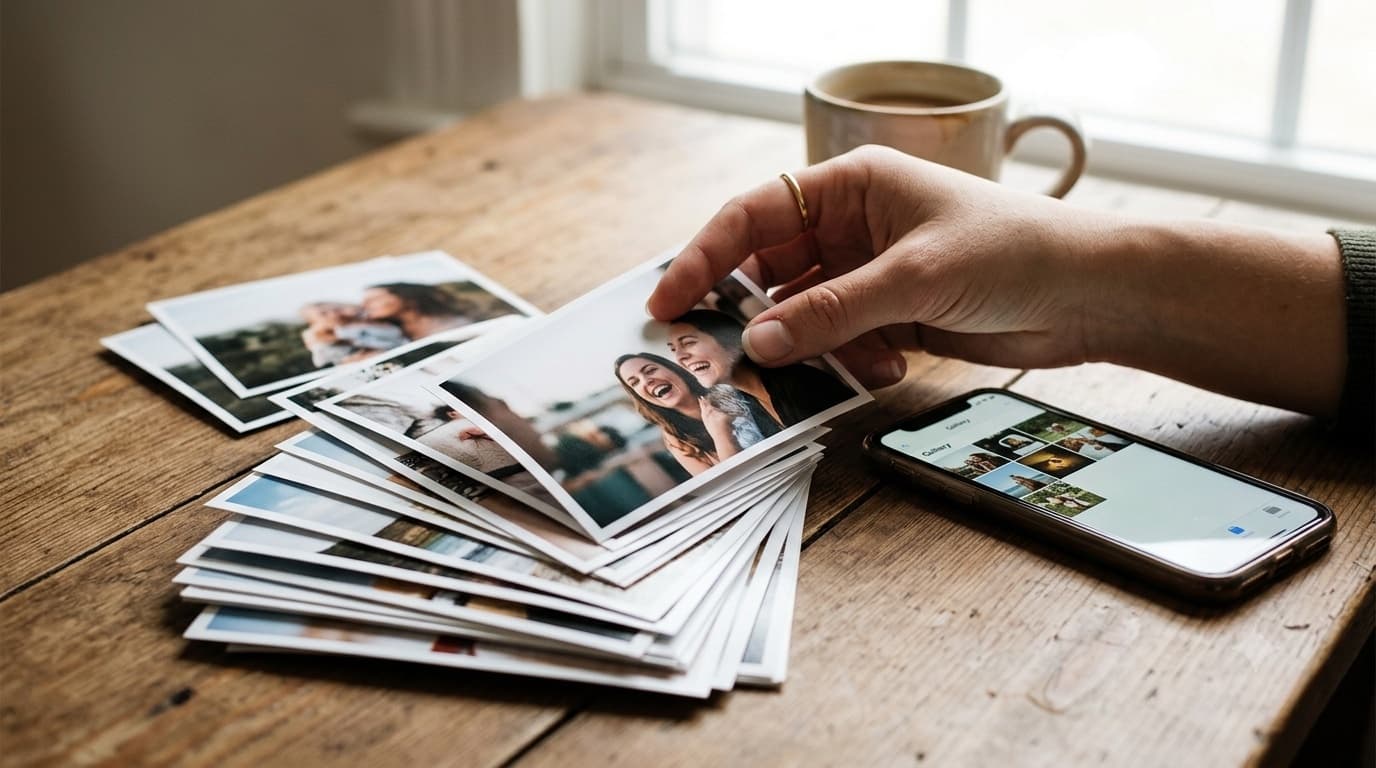
After a birthday party, the photos are spread across every guest's phone. You have your own, a few people text you theirs, and the best one of the birthday person blowing out the candles is on the phone of someone you'll never think to ask. Sharing birthday photos well means two things: getting everyone's photos into one place, and getting that place back to everyone who came.
This guide compares the usual ways to do that, then gives a simple plan for before, during and after the party. For the full GuestDrop setup, see the birthday party photo sharing page.
The four usual options
Group chat
The default for most families and friend groups. Everyone posts photos into the chat during and after the party.
It works for a small party where everyone is already in the chat. It gets worse as the party grows. Chat apps compress photos on send, so the copies people get are softer than the originals and don't print well. Photos get buried under messages. Guests who aren't in the chat, like a friend's partner or a neighbour, can't see the photos or add theirs. We wrote more about this in GuestDrop vs WhatsApp.
Shared album in Google Photos or iCloud
Better for quality, and everything is in one place. The catch is accounts. Adding photos usually works best when everyone is signed in to the same ecosystem, and a party guest list rarely is. Half the guests will need to be invited one by one, and some won't bother.
Cloud folder link
Some hosts share a Dropbox or Google Drive folder and ask guests to upload. The originals stay at full quality. But upload links to a folder can be awkward on a phone, guests may be asked to sign in, and a folder of filenames isn't a nice way to look at photos afterwards.
QR code gallery
A QR code at the party opens an upload page in the guest's browser. They pick photos from their camera roll and they go into one gallery. No app, no account. After the party, the same gallery is what you share with everyone. This is what GuestDrop does, and it's the option that scales best when the guest list includes people who don't all know each other.
Before the party
Create the gallery a day or two ahead. Name it after the party, like "Leo's 40th", and set the event date to the party day.
Choose public or password. A public gallery is easiest to open. A password keeps it to the people you give it to, which matters for kids' parties (more on that below).
Decide whether to connect Google Drive. If you connect your Drive, every photo guests upload is also saved into a folder in your Drive at original quality. That's the copy you'll keep long term, print from, or turn into a photo book.
Print the QR code. A small card on the cake table and one near the entrance or drinks is usually enough. Keep the wording short: "Took a photo? Add it here. Scan with your camera, no app needed." Our QR code tips cover size and placement.
During the party
Mention it once. When everyone gathers for the cake, say one sentence: "If you take photos, scan the card on the table and add them." That moment produces the most photos of the night, and phones are already out.
Put it on the TV. A public gallery can run as a slideshow on a TV or projector, showing photos as guests upload them. At a bigger party, guests seeing their own photos appear on screen is the best reminder you can get. It also replaces the hired photo booth at a lot of parties, which we covered in our DIY birthday photo booth alternative post.
Remind once more near the end. As people say goodbye, a quick "don't forget to add your photos" catches the guests who meant to and forgot.
After the party
Wait a day before sharing. Some guests upload from home that evening or the next morning. Give it a day so the gallery is full when people open it.
Review once. Scroll through and hide anything the birthday person wouldn't want shared. Hidden photos come out of the gallery that guests see, and you can delete anything outright.
Send one link to everyone. Post it in the group chat, text it, or email it. Every guest gets every photo, not just the handful you took.
Pull out the keepers. Download the photos you love at full quality for prints, a framed photo, or thank-you cards.
The gallery stays open free for up to 7 days after the event date. If you want guests to keep coming back longer, a one-time payment extends that one event's gallery. There's no subscription, and photos already saved to your Drive stay there either way.
Kids' birthday parties
Kids' parties need one extra thought: other families' children are in your photos. Some parents are happy for anything to be shared. Others don't want their child's photo posted anywhere public.
The simple approach is a password-protected gallery, shared only with the families who came. Every parent gets the photos of their own child, which they'll be glad of, and nothing ends up public. Mention it on the invitation or in the group chat: "Photos will be in a private gallery for the families who came."
The parents do the uploading, not the kids, so you don't need to worry about children handling a QR code.
Milestone birthdays
A 40th, 60th or 80th usually brings a bigger and older guest list: several generations, old friends and relatives who don't share a chat. That's exactly where a single gallery helps most. Our milestone birthday photo sharing guide covers the extra planning, like surprise parties and guests who aren't comfortable with technology.
If grandparents couldn't come, send them the link too. It opens in any browser with no account, and our page on photo sharing for grandparents has tips for making it easy for them.
Which option should you pick?
- Small party, everyone in one chat: the group chat is fine.
- Everyone uses the same phone ecosystem and is signed in: a shared album works.
- Mixed guest list, people who don't all know each other, or you want originals: a QR code gallery.
- Kids' party: a password-protected gallery, shared with the guest families.
Common questions
What is the easiest way to share birthday party photos with guests?
Collect everyone's photos into one gallery and send all the guests one link. A QR code at the party lets guests upload from their phone browser without an app.
How do I get guests to send me their birthday photos?
Make it one step for them. A QR code on the cake table gets far more photos than asking people to text them to you later. Remind the room once near the end.
Is a group chat good enough for birthday photos?
For a small party where everyone is already in the chat, yes. It gets messy as the guest list grows.
How do I share photos from a kids' birthday party safely?
Use a password-protected gallery and send the link only to the families who came.
Ready to simplify your event?
Set up your GuestDrop event in under a minute and start collecting every guest's photos today.
Create Your Event - Free