The DIY Birthday Photo Booth: Skip the Rental, Keep the Photos
Skip the rented photo booth for your next birthday party. Build a DIY version guests actually use, on a home printer, in one afternoon.

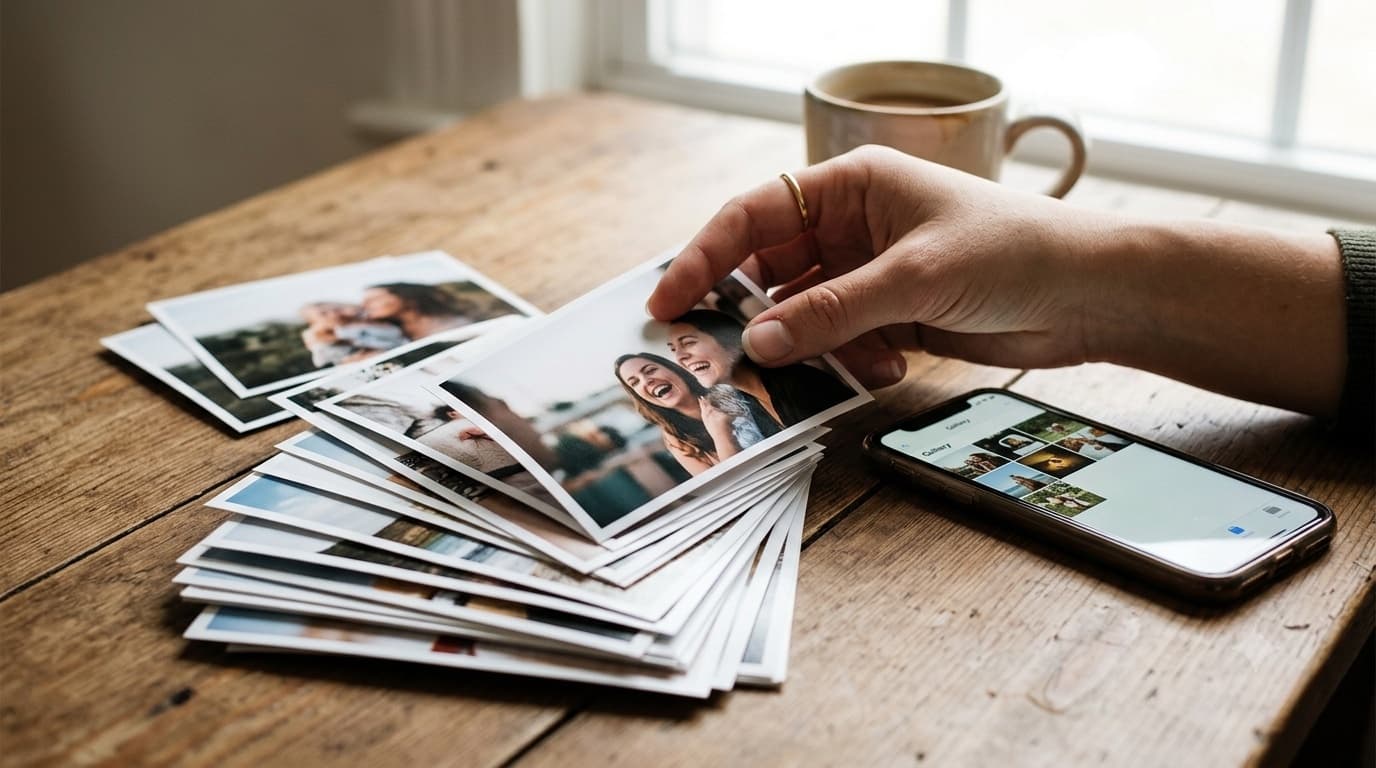
Every birthday party planning thread eventually lands on the same question: should you rent a photo booth? It sounds like an easy upgrade, a backdrop, some props, a little machine that spits out a printed strip, and a corner of the room instantly becomes an activity. It is also, for most home birthdays, one of the more expensive line items on the list, and it only covers whoever happens to wander into that corner. This is the case for skipping the rental and building the same experience yourself, using the thing every single guest already has in their pocket: a camera. Not a lesser version of the party activity, a genuinely better-covered one, at a fraction of the setup.
What You Actually Get When You Rent a Photo Booth
Give the rented booth its due before arguing against it, because the case for skipping it only holds up if the comparison is honest. A booth gets you a printed strip a guest can hold within seconds, which is a real and tactile kind of fun that a phone screen does not quite replicate. It gets you props curated and handed out by someone else, so nobody has to think about what to buy. And it gets you a defined destination in the room, guests know exactly where the activity is happening, which takes some of the planning pressure off the host. None of that is nothing. But all three of those things can be recreated without the machine attached to them, and the machine is what carries most of the setup effort and most of the line-item cost.
Why a Hundred Pockets Beat One Backdrop
A rented booth captures whoever chooses to walk over to it, which at most home parties is a fraction of the guest list. Everyone else, the group laughing near the drinks table, the kids running around the yard, the grandparent sitting quietly with the birthday child, never shows up in the booth's output at all. Meanwhile every one of those guests is already holding a camera capable of full-resolution photos and video, and most of them are already taking pictures they never end up sharing with the host. The DIY version does not try to be a better booth. It tries to be a wider net: instead of one fixed corner producing strips, the whole room becomes a source, and every candid moment a guest happens to catch becomes something the host can actually see afterward instead of something that stayed on a dozen different phones.
Is a DIY Photo Booth Really Worth the Afternoon It Takes?
Yes, and the time commitment is smaller than it sounds once it is broken into pieces. Pick a backdrop first, a plain wall, a curtain, a string of lights, or a simple paper garland all work, and it does not need to be elaborate to read as intentional in photos. Gather or buy a small box of props: oversized sunglasses, paper crowns, a handwritten sign board with the birthday child's age or a party phrase, and maybe a themed hat or two if the party has a theme. None of this requires special sourcing; a party-supply aisle covers all of it in one stop. Set up the code with a free QR code generator, which takes a few minutes, and test the scan yourself with your own phone before a single guest arrives, standing at the actual distance a guest would stand from the sign. That test run is the step people skip and the one that actually matters, because a code that is too small or poorly lit fails silently, nobody tells you it didn't work, they just stop trying.
What Do You Actually Need to Print at Home?
Two documents cover the entire upload station, and both print fine on a standard home printer on plain cardstock. The first is a standing sign for the backdrop area itself: the code, sized large enough to scan comfortably from a few steps back, with a single line telling guests what to do, open your camera, tap the link, upload your photos. The second is a set of smaller table cards repeating the same code, placed near the cake table, the drinks station, and anywhere else guests naturally cluster, because plenty of the best candid photos never happen anywhere near the backdrop. No vendor, no print shop, and no lamination is required, cardstock survives a single afternoon party without issue, and a wrinkled corner by the end of the night is a sign the card actually got used, not a problem to solve for.
Where Should the QR Code Actually Go in the Room?
Placement determines whether a code actually gets scanned or just sits there looking decorative, and the rule that matters most is simple: put it wherever guests already stand still. That means the drinks table, where people linger while pouring a refill; the cake table, right before and right after the candles; and the backdrop itself, obviously, since that's the one spot explicitly designed for a photo moment. Avoid placing the only copy somewhere guests pass through quickly, like a hallway or an entrance, since a code glimpsed in motion rarely gets scanned. If the party has a natural gathering point, a firepit, a games table, a pool deck, put a card there too. The code costs nothing to duplicate once it is generated, so there is no reason to limit it to one location and hope guests find their way to it.
What You Give Up, and What You Gain
Be honest about the tradeoff rather than pretending there isn't one. You give up the instant printed strip in hand, the novelty of a machine as its own small spectacle, and having someone else physically run the activity so you never think about it during the party. In exchange, you gain coverage from every guest in the room instead of only the ones who walked over to a corner, photos and video that arrive in full quality instead of compressed onto a small rented screen, and a gallery you can revisit and download afterward instead of a stack of strips that end up in a drawer. For most home birthdays, the ones without a dedicated party budget line for rented equipment, that trade favors the DIY version clearly. For a milestone celebration where the printed keepsake in hand genuinely matters as much as the coverage, it's worth reading the companion piece on milestone birthday photo sharing, which covers that higher-stakes version of the same decision.
How Do You Get Guests to Actually Upload?
Signage gets people to the code, but a nudge or two during the party is what actually fills the gallery. Have whoever is hosting or emceeing mention it once early on, right after the first toast or right when the cake comes out is a natural moment, since people are already reaching for their phones anyway. A verbal mention reaches people who would otherwise walk right past a sign without reading it. During the party itself, checking the gallery once during a lull tells you whether the codes are actually being scanned, and if the count looks low, a second casual mention usually fixes it. After the party, send the same link once more in a thank-you message or a group chat, since some of the best shots get taken and forgotten about until someone reminds the guest they exist. Set up your GuestDrop event in under a minute and have the code ready before a single guest arrives, most of what makes this work is having it live and tested ahead of time, not fixing it mid-party.
Conclusion
A rented photo booth is a fine choice when the budget and the setup time both allow for it, but it is not the only way to get real, candid, well-covered photos from a birthday party. Building the same experience yourself, a backdrop, a box of props, and a code placed wherever guests naturally gather, costs an afternoon instead of a rental fee and captures the whole room instead of one corner of it. For more on getting guests to actually pick up their phones and scan in the first place, see 10 pro tips for using QR codes to collect guest photos, and for the full mechanics of how uploads land in one place instead of scattered across a group chat, read the digital guestbook guide. For the full setup, from the QR code to the gallery, see the birthday party photo sharing guide.
Frequently Asked Questions
Do I really need a photo booth for a birthday party to feel complete?
No, but a good photo booth solves a real problem: it gives guests a reason to stop and take a deliberate photo instead of a blurry candid grabbed mid-conversation. A DIY setup solves the same problem without the rental. The backdrop, the props, and the destination in the room are what people actually remember, and none of those require a rented machine to provide.
What's the real tradeoff between renting a booth and building this myself?
Renting buys you an instant printed strip in hand, a person running the booth so you never touch it, and a built-in activity guests queue for. Building it yourself buys you coverage of the whole party instead of one corner, zero setup cost beyond props and paper, and photos that upload in full quality instead of staying trapped on a rented tablet nobody can export from later.
How long does a DIY photo booth alternative actually take to set up?
Plan on one afternoon: an hour to pick a backdrop and gather or buy simple props, thirty minutes to print table cards and a standing sign, and a few minutes to set the code up online and test the scan yourself before guests arrive. Most of that time is picking props, not any technical step, so it scales down easily for a smaller party.
What exactly should I print for the upload station?
Two things cover it: a standing sign near the backdrop with the code large enough to scan from a few steps back, and smaller table cards repeating the same code near the cake or the drinks so guests who never walk over to the backdrop still see it. Both print fine on a home printer on plain cardstock, with no special paper or vendor involved.
Will older guests or young kids know how to scan a QR code?
Most guests only need their phone's own camera app pointed at the code, with no app to download or account to create first. For anyone unsure, a short line on the sign explaining to just open the camera and tap the link that pops up removes the last bit of confusion, and it takes one demonstration for a table to catch on for the rest of the party.
What if I still want some of the fun of a rented booth, like props?
Keep the props and lose the machine. A box of oversized sunglasses, paper crowns, a handwritten sign board, and a plain backdrop deliver the same playful photos a rented booth produces, and guests take them with their own phones instead of waiting for a printed strip. The fun was always the props and the backdrop, not the hardware behind them.
Ready to simplify your event?
Set up your GuestDrop event in under a minute and start collecting every guest's photos today.
Create Your Event - Free