How to Collect Baby Shower Photos From Every Guest
A simple plan for getting every guest's baby shower photos into one place: who should run it, where to put the QR code, what to photograph, and how to keep the photos private.

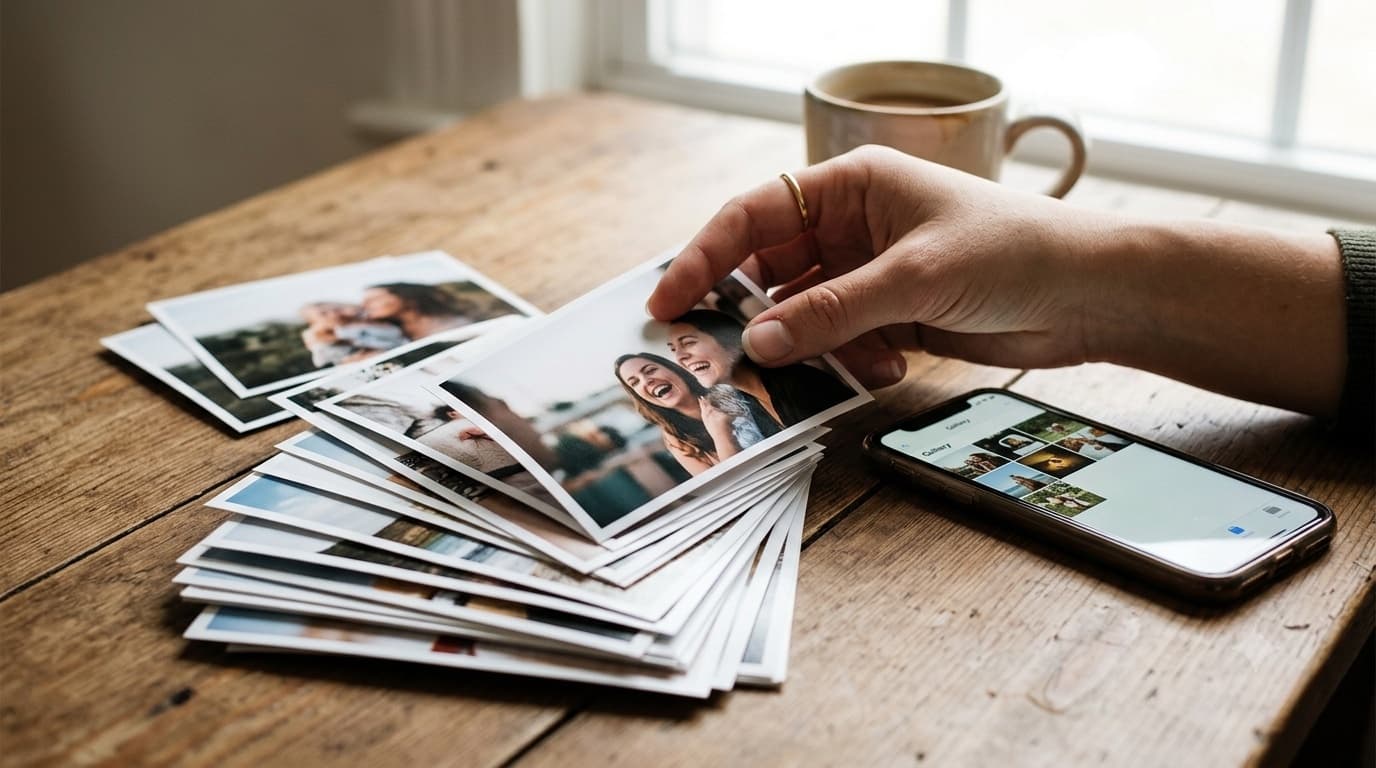
A baby shower is short, busy and full of small moments: the gift that makes everyone laugh, the games, the grandparents-to-be holding up a tiny outfit. Lots of guests take photos. Very few of those photos ever reach the parents-to-be, because nobody wants to send forty pictures one by one in a chat.
The fix is a plan made before the shower starts. It takes about ten minutes. This guide covers who runs it, where the QR code goes, what to photograph and what to do with the photos afterwards. For the full setup in GuestDrop, see the baby shower photo sharing page.
Decide who owns the photos
The person being celebrated should not be the person collecting photos. They will be opening gifts, hugging relatives and answering the same questions about due dates and names for three hours. They won't be checking whether Aunt Jo uploaded her pictures.
Give the job to the host or a close friend. Their tasks are small:
- Create the gallery a few days before the shower.
- Print the QR code and put it where guests will see it.
- Remind everyone once, near the end, to add their photos.
- Look through the gallery the next day and hide anything that shouldn't be passed around.
- Send the link to the parents-to-be and anyone who couldn't come.
Set up the gallery before the day
Create one gallery for the shower and name it something guests will recognise, like "Maya's Baby Shower". Set the event date to the day of the shower.
Two choices to make at setup:
Public or password. A public gallery is easiest to open but can be shared further than you meant. Many families choose a password for showers, especially when the pregnancy isn't announced widely online. Put the password on the sign next to the QR code, or send it with the link afterwards.
Your own Google Drive. If you connect Google Drive, every photo guests upload is also saved into a folder in your Drive, in original quality. That's useful for the parents-to-be, who can keep the folder long after the gallery closes and use it for a baby book later.
Where to put the QR code
Put the code where guests already stop and wait:
- The welcome sign or entry table. Guests read it as they arrive and know from the start that photos go in one place.
- The gift table. People stand around here during gift opening, phones already out.
- The dessert or drinks table. A small table card works well.
Keep the sign short: "Took a photo? Add it here. Scan with your camera, no app needed." For more on code placement and size, our QR code tips cover the practical details, like printing large enough to scan from a seat.
What to photograph at a baby shower
Guests photograph the obvious moments by default. A host can nudge a few others that people tend to regret missing:
- Arrivals. The parent-to-be greeting each guest. These are often the warmest photos of the day.
- Gift opening, wide. Close-ups of gifts are common. A wider shot showing the parent-to-be and the people watching tells the story better.
- The games. Guessing games and pass-the-parcel produce the best candid expressions.
- Generations together. The parent-to-be with their own parents and grandparents. Ask for this one directly. It rarely happens on its own.
- Short videos. A few seconds of the room laughing captures what a still photo can't. Guests can upload short videos through the same QR code.
Ask one guest who takes good photos to keep an eye on the generations shot and the arrivals. Any guest with a decent eye will do.
Remind guests near the end
Most photos get uploaded in two bursts: right after a big moment, and when someone reminds the room. A single sentence near the end of the shower works: "If you took photos today, scan the code by the cake and add them before you leave." People are on their phones saying goodbye anyway.
Some guests will upload from home that evening. That's fine. The gallery stays open free for up to 7 days after the event date, which covers the stragglers.
Remote guests and virtual showers
If some guests joined by video call, or the whole shower was virtual, the same gallery still works. Send remote guests the link. They can upload screenshots of the call or photos of themselves opening a matching gift at home, and they can see everyone else's photos once the shower is over.
This also helps grandparents and great-grandparents who couldn't travel. A link that opens in any browser is far easier for them than joining a new chat group. Our page on photo sharing for grandparents explains how to make that link as simple as possible for older relatives.
Review before sharing widely
The day after, the host scrolls through the gallery once. Hide any photo the parents-to-be wouldn't want circulated: an unflattering angle, a blurry burst of twenty near-identical shots, a photo of a guest who asked not to be photographed. Hidden photos come out of the gallery that guests see, and you can delete anything outright.
Then send the link to the parents-to-be and to anyone who couldn't come.
What to do with the photos afterwards
Thank-you cards. A photo of each guest with the parent-to-be makes a thank-you card personal. The gallery makes finding those photos easy, since they're all in one place instead of scattered across phones.
The baby book. The shower is often the first page. If you connected Google Drive, the originals are already in a folder ready for printing.
Keeping the gallery open longer. The free window is up to 7 days after the shower. If the family wants to keep coming back to the gallery, a one-time payment extends that event's gallery. There's no subscription, and the photos already in Drive stay there either way.
The digital guestbook guide has more ideas for turning collected photos into keepsakes, and much of it applies to showers as well as weddings.
A ten-minute checklist
- Pick the host or friend who owns the photos.
- Create the gallery with the shower date. Choose public or password.
- Connect Google Drive if you want the originals kept long term.
- Print the QR code for the welcome sign and gift table.
- Ask one guest to catch the arrivals and the generations photo.
- Remind the room once, near the end.
- Review the next day, hide what shouldn't be shared, then send the link.
Common questions
Who should be in charge of collecting baby shower photos?
The host, not the parent-to-be. The guest of honour is busy all afternoon. The host or a close friend sets up the gallery, puts the QR code out and does a quick review before the link goes to the wider family.
How do guests send their baby shower photos without an app?
Put a QR code on the welcome sign or the gift table. Guests point their phone camera at it, tap the link and choose photos. There's no app and no account.
Can guests who couldn't attend the shower see the photos?
Yes. Send them the gallery link afterwards. Remote guests can also upload their own photos through the same link.
How do we keep baby shower photos off social media?
Use a password-protected gallery and send the link only to people you trust. Mention on the welcome sign that photos go to the gallery, not social media.
Ready to simplify your event?
Set up your GuestDrop event in under a minute and start collecting every guest's photos today.
Create Your Event - Free