How to Collect Photos for a Memorial Service or Celebration of Life
A gentle, practical guide to gathering photos for a memorial service: asking family for old photos, scanning prints, building the slideshow, and collecting photos from the day itself.

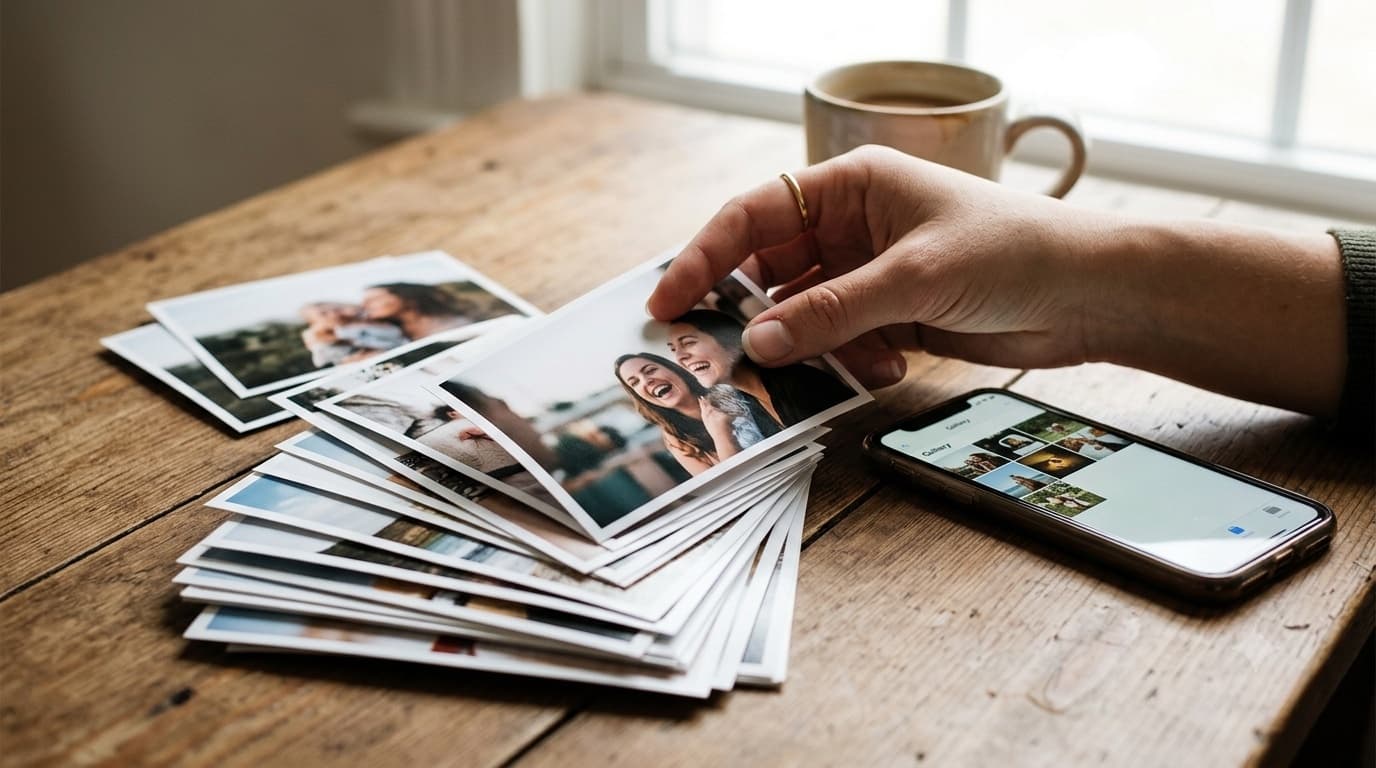
When someone dies, the people closest to them are often asked for photos at the worst possible time. There's a slideshow to build for the service, a memory table to fill, and relatives in other cities with boxes of prints nobody has looked at in years. The person organising it is usually grieving too.
This guide is about making that job smaller. It covers two separate tasks: gathering photos of the person's life before the service, and collecting the photos people take at the gathering itself. One shared place can handle both. If you want to see how GuestDrop is set up for this, our memorial photo sharing page walks through it.
Two kinds of photos, two deadlines
It helps to separate the two jobs from the start.
Photos of their life. Childhood pictures, wedding photos, holidays, the candid a cousin kept on their phone for ten years. These are needed before the service if there's a slideshow or a printed display, so they have a deadline.
Photos from the gathering. The memory table, the people who came, the moments afterwards when the mood lifts and old friends laugh together. These arrive on the day and in the days after, with no deadline at all.
Using one gallery for both means relatives only ever get one link. The organiser can still find the slideshow photos easily, because most of them arrive before the service date.
Ask once, in one message
Keep it to one clear request. A message like this works:
"We're gathering photos of Mum for Saturday's service. If you have any, from any year, you can add them here by Thursday evening. It opens in your browser, nothing to install: [link]"
Send it to the family group, close friends, and anyone who might hold old photos: a sibling, a former colleague, a neighbour of thirty years. Ask one or two people to pass it on to their side of the family. Then leave it. People will add photos when they're ready.
Getting old prints into the collection
Much of a long life exists only on paper. You don't need a scanner to include those photos. A phone camera is good enough for a slideshow and for sharing:
- Take the print out of any glass frame or plastic sleeve, which causes glare.
- Lay it flat on a table near a window, in daylight.
- Turn off the overhead light so your shadow and the bulb's reflection aren't on the print.
- Hold the phone directly above, parallel to the table, so the edges come out square.
- Crop to the edge of the print afterwards.
Older relatives who have the prints may not want to do this themselves. Offer to visit, or ask a grandchild to help them. Ten minutes at a kitchen table with an album can produce the best photos in the whole slideshow.
Building the slideshow
Once the photos are in, the organiser downloads the ones they want and builds the slideshow in whatever tool they're comfortable with. Put them roughly in order through the person's life. Leave room at the end for recent photos with family.
A simpler option for the gathering itself: if the gallery is public, it can run as a slideshow on a TV or projector, showing photos as they're added. Some families prefer this for the reception after a service, because new photos appear as people share them in the room. Others prefer a fixed slideshow they've checked in advance. For a formal service, the checked version is usually the safer choice.
At the service or celebration of life
Put a small card with the QR code on the memory table or in the order of service. Keep the wording gentle and optional: "If you'd like to share a photo or memory of Sam, scan here. There's no need to do it today."
People take photos at memorials more than you might expect, especially at a celebration of life, where the mood can be warm. Those photos of old friends reunited often matter to the family later. The code gives people a quiet way to share them without asking who to send them to.
Guests don't need an app or an account. They point the phone camera at the code, tap the link and choose photos. That matters for older guests, who are often the people with the most photos and the least patience for installing something new.
Privacy and review
Most families want a memorial gallery kept within family and friends. Use a password, and share the link and password directly, not in a public post.
Ask one person, not the closest family member, to look through the gallery before the link goes wider. Their job is to hide anything that shouldn't be passed around, such as a photo the family would find painful or a duplicate burst of near-identical shots. Hidden photos come out of the gallery that guests see, and anything can also be deleted.
People who can't attend
Relatives who live far away, are unwell or can't face a service often want to take part in some way. Send them the link. They can add their own photos and see what others shared. For older relatives, a link that opens in any browser is much easier than joining a group chat, and our page on photo sharing for grandparents explains how to make that link as simple as possible.
How long the gallery stays open
A GuestDrop gallery stays open free for up to 7 days after the event date. For many families that's enough. Grief doesn't keep a schedule, though, and some people only find a photo weeks later. If you want the gallery open longer, a one-time payment extends that event's gallery. There's no subscription.
If you connect your own Google Drive when you create the gallery, every photo is also saved into a folder in your Drive, in original quality, and stays there after the gallery closes. That folder becomes the family's archive. It's easy to share with a sibling, print from, or use for a memorial book.
After the service
Some families turn the collected photos into something lasting: a printed book for each household, framed prints for close family, or a folder shared with the grandchildren. Our family reunion photo archive guide covers how to organise a large set of family photos so it stays useful years later, and much of it applies here.
The photos will keep, and the family can come back to them when they're ready.
Common questions
How do I ask family members for photos for a memorial service?
Send one short message with one place to send them, and a date you need them by if there's a slideshow. One link is easier for grieving relatives than a list of instructions.
How do I get old printed photos into a memorial slideshow?
Photograph them with a phone. Lay the print flat near a window in daylight, hold the phone directly above it, and avoid overhead light so there's no glare.
Can people who can't attend the memorial still share photos?
Yes. Send them the same link. They can add photos from wherever they are and see what others have shared.
How long can family keep adding photos after the service?
The gallery stays open free for up to 7 days after the event date. A one-time payment extends it. With Google Drive connected, every photo is also saved in your Drive and stays there.
Ready to simplify your event?
Set up your GuestDrop event in under a minute and start collecting every guest's photos today.
Create Your Event - Free