How to Collect Graduation Party Photos From Friends and Family
Graduation parties mix two crowds who never share photos with each other: the graduate's friends and the family. Here's how to get everyone's photos into one place.

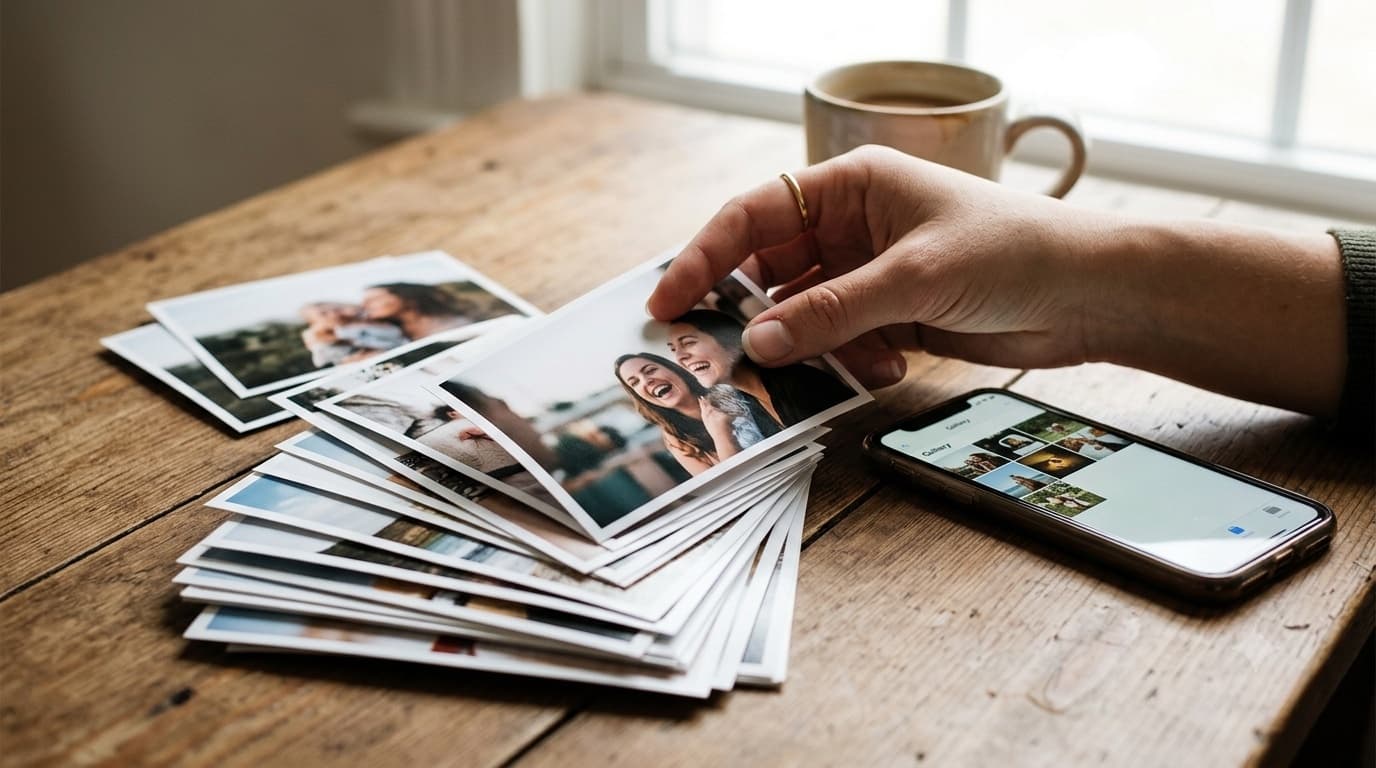
Graduation parties have a photo problem that other parties don't. Two separate crowds attend: the graduate's friends and the graduate's family. Both take lots of photos. The friends' photos stay in their own group chats. The family's photos stay on a few parents' phones. The graduate, years later, has almost none of the pictures that matter.
This guide is about fixing that with one shared place for everyone's photos. It covers the ceremony, the party and what happens afterwards. For the full setup, see our graduation party photo sharing page.
The two-crowd problem
At most parties, guests share a group chat or at least know each other. At a graduation party, the graduate's friends don't know the aunts and uncles, and neither group has a reason to send photos to the other.
A gallery solves it because nobody needs to know anyone else. Each guest uploads to the same place from their own phone. The graduate's best friend never needs to exchange numbers with the graduate's grandmother for both of their photos to end up together.
Who runs it
The graduate is the guest of honour and shouldn't be managing photos. A parent or relative usually owns the gallery:
- Create it a few days before the ceremony or party.
- Print the QR code.
- Send the link to family who aren't coming.
- Review the gallery after the party and hide anything that shouldn't be shared.
The graduate has one job: ask their own friends to upload. More on that below.
One gallery or two?
If the ceremony and the party are on the same day or weekend, one gallery covering both is simpler. Everyone gets one link, and photos from the ceremony sit next to photos from the party.
If the party is weeks later, or it's a combined party for several graduates, you might want separate galleries. Set each gallery's event date to its own day, since the free window counts from the event date.
At the ceremony
Ceremonies are hard to photograph. Guests sit far from the stage, the light is poor, and the important moment lasts four seconds. Most of the useful ceremony photos are taken afterwards: the graduate in cap and gown with family, outside, in daylight.
You don't need a QR code at the ceremony. Send the gallery link to family by message that morning with a short note: "Add your photos here today, it opens in your browser." Then the photos from outside the venue land in the gallery while people are still standing around.
At the party
The party is where most photos are taken, and where a printed QR code earns its place. Good spots:
- The food table. Guests stop here and have a free hand.
- The photo spot. If you've set up a backdrop or a table with the graduate's cap, diploma and old school photos, guests take pictures there and can upload them right away.
- The entry or guestbook table. Guests see it on arrival and know the plan.
Keep the sign short: "Took a photo? Add it to [Name]'s graduation gallery. Scan with your camera, no app needed." For practical tips on code size and placement, see our QR code tips.
Getting the friends' photos
The graduate's friends take the most candid and the funniest photos of the day, and those are the ones the graduate will want in ten years. They also almost never send them to the family.
The graduate posts the link in their own friends' group chat during or after the party: "Put your pics from today here, my mum wants them, no app." One message from the graduate does far more than any sign.
The graduate's friends don't need to see the family's photos, and the family doesn't need to see the friends' chat. Everyone uploads to the gallery, and the parent reviews what goes in.
Open house parties
Many graduation parties are open houses: guests come and go over an afternoon, and there's no single moment when everyone is in the room. That makes a reminder announcement useless.
Two things help. First, put the QR code at the place every guest passes, usually the food. Second, run the gallery as a slideshow on a TV. A public gallery can show photos as guests upload them, so new arrivals see the earlier guests' photos on screen. People like seeing themselves up there, and they upload more when they can see it working.
Grandparents and family who couldn't come
Graduations matter to grandparents, and not all of them can travel. Send them the gallery link after the party. It opens in any browser with no account, which makes it much easier for older relatives than a new chat group. Our page on photo sharing for grandparents explains how to keep that link simple, including when to use a password.
Review before the link goes wide
The morning after, the parent scrolls through the gallery once. Graduation parties with older teens or young adults sometimes produce photos the graduate wouldn't want grandma to see. Hide those. Hidden photos come out of the gallery that guests see, and you can delete anything outright.
Then send the link to the wider family.
After the party
Thank-you notes. A photo of the graduate with each guest makes a thank-you note feel personal, and the gallery makes them easy to find.
A keepsake book. Graduation is a natural point to print a small book: the ceremony, the party, a few old school photos. If you connected Google Drive when creating the gallery, every upload is also saved into a folder in your Drive at original quality, ready for printing.
How long the gallery stays open. It's free for up to 7 days after the event date. If you want friends and family to keep coming back, a one-time payment extends that event's gallery. There's no subscription, and anything already in your Drive stays there.
Throwing a birthday party next? Our guide to sharing birthday party photos covers the same approach for a different crowd.
Quick checklist
- A parent or relative owns the gallery, not the graduate.
- One gallery for ceremony and party if they're close together.
- Send the link to family the morning of the ceremony.
- QR code at the food and the photo spot at the party.
- The graduate posts the link in their friends' chat.
- Slideshow on a TV for open houses.
- Review the next morning, then send the link to everyone.
Common questions
What's the best way to collect photos from a graduation party?
Put a QR code where guests stop, like the food table or the photo spot, that opens an upload page in the browser. Photos land in one gallery, with no app and no account.
Should the graduate run the photo gallery?
Usually not. A parent or relative sets it up and reviews it. The graduate helps by asking their own friends to upload.
How do I get the graduate's friends to upload their photos?
Have the graduate ask them directly, in their own group chat, with the link.
Can we show graduation party photos on a TV during the party?
Yes. A public gallery can run as a slideshow on a TV, showing photos as guests upload them.
Ready to simplify your event?
Set up your GuestDrop event in under a minute and start collecting every guest's photos today.
Create Your Event - Free