How to Share Pictures With Grandparents Who Don't Use Apps
Practical ways to share pictures with grandparents: prints, photo frames, shared albums, group chats and a single gallery link. What each one asks of an older relative, and which to pick.

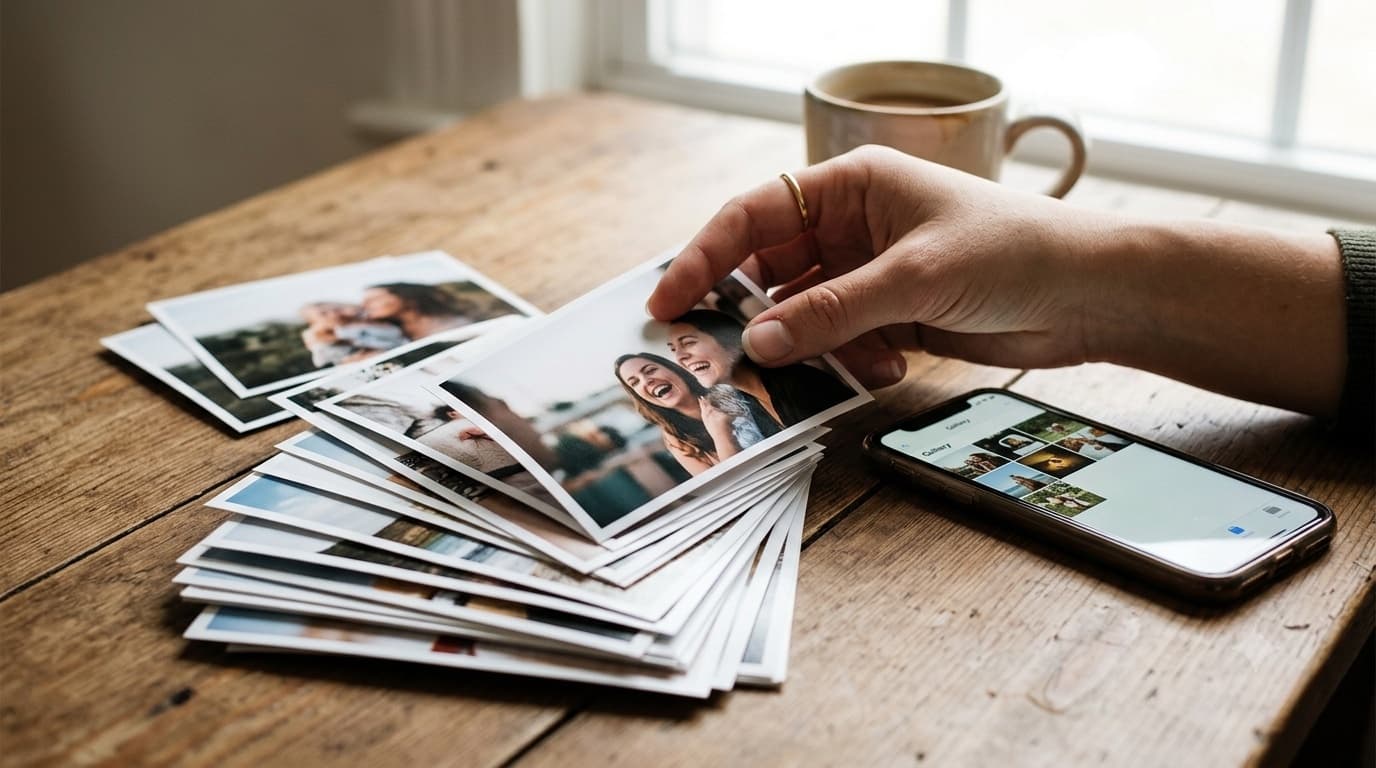
Most advice about sharing photos with grandparents assumes they will learn a new app. Many won't, and they shouldn't have to. The better question is what the grandparent already does comfortably, and then which way of sending photos fits that habit. Someone who reads email every morning needs something different from someone who only answers the phone.
This guide walks through the common options, what each one asks of the grandparent, and where each one breaks down. It ends with the approach we built GuestDrop's grandparent galleries around: one link per occasion, nothing to install.
Start with what the grandparent already does
Before picking a method, spend thirty seconds on how they use their phone or tablet today. Do they open text messages? Do they read email? Do they have a tablet that mostly plays video calls? Do they have a working printer, or none at all?
The method that works is the one that sits on top of a habit they already have. A beautiful shared album they never open is worse than a single printed photo on the fridge. Ask them, too. A grandparent who says "just text me" is giving you the whole answer.
Option 1: Prints in the mail
Prints are still the most reliable way to reach a grandparent who is not online at all. They need no device, no signal and no help. The cost is time and money: someone has to pick the photos, order them and post them, so prints tend to arrive weeks late and only cover a handful of moments.
Prints work best as the final step of another method. Collect the photos digitally first, pick the best ten, and send those.
Option 2: A digital photo frame
Wi-Fi photo frames are a popular gift for grandparents because the grandparent does nothing. Family members add photos from their own phones, usually through the frame maker's app or an email address, and the frame shows them in rotation.
The weak points are on the sending side. Every relative who wants to contribute has to install the frame's app or remember the email address, and the frame shows only what someone thought to send. Photos from a party usually sit on six different phones, and only one or two of those people will ever add them to the frame.
Option 3: A shared album in Google Photos or iCloud
Shared albums keep photos at good quality and put them in one place, which is a real step up from a chat thread. The friction is accounts. Viewing and especially adding to these albums tends to work best when everyone is signed in to the same ecosystem, and a grandparent with an Android phone and a grandchild with an iPhone can end up on opposite sides of that line.
If the whole family already lives in one ecosystem and the grandparent is signed in, this can be a fine choice.
Option 4: The family group chat
The family chat is where most photos already go, so it's the default. For one or two quick snaps it is fine. For a whole event it falls apart in predictable ways. Chat apps compress photos on send, so the copy that arrives is softer than the original and prints poorly. Photos get buried under messages. And a grandparent scrolling back to find "the one from the cake" has to wade through days of conversation to get there.
We compared group chats with a gallery link in more detail in GuestDrop vs WhatsApp.
Option 5: One gallery link per occasion
This is the approach that tends to work for grandparents who use a phone but not apps. Everyone who was at the birthday, the holiday dinner or the school concert uploads their photos into one gallery. Then the grandparent gets one link.
What the grandparent does: taps the link in a text or an email. The gallery opens in the browser. They scroll, tap a photo to see it full screen, and swipe through. If they want to keep one, they save it. That's all.
What the family does: someone creates the gallery for the occasion and shares a QR code or link with the people who were there. Each person uploads from their own phone, which takes a minute. The parent who usually ends up chasing everyone for photos doesn't have to.
Setting up a gallery grandparents can actually use
A few choices make the difference between a link that gets opened and one that gets ignored.
One gallery per occasion. "Sam's 5th birthday" is easier to find and return to than a giant album of everything. Grandparents remember events, not dates.
Get everyone's photos in before you send the link. The best photo of the grandkids is usually on someone else's phone. Give relatives a day or two to upload, then send the link, so the grandparent sees the whole event the first time they open it.
Use a password for family-only galleries. A public gallery link can be shared further than you meant. With a password, only people you give it to can open it. Put the password in the same message as the link so the grandparent doesn't have to find two messages.
Call while they open it. The first time, a two-minute phone call ("tap the blue link, now scroll down") removes most of the confusion. After that, the next gallery works the same way and they know what to expect.
Show it on the TV. At a family gathering, a public gallery can run as a slideshow on a television. Grandparents who would never scroll a phone will happily watch the photos come up on a big screen.
When the grandparent was there too
Grandparents take photos at family events too, often good ones of the grandkids at eye level from the sofa. With a QR code on the table, they can add theirs without installing anything: point the phone camera at the code, tap the link that appears, pick photos, done. Show them once. Most manage it on the first try.
A gallery that includes the grandparent's own photos feels like theirs, and they are more likely to come back to it.
Keeping the photos after the gallery closes
A GuestDrop gallery stays open free for up to 7 days after the event date. That is usually enough for everyone to upload and for grandparents to look through. If you want them to keep coming back for longer, a one-time payment extends that one event's gallery. There's no subscription.
For keeping things long term, connect your own Google Drive when you create the event. Every upload is also saved into a folder in your Drive at original quality, and it stays there after the gallery closes. From there you can order prints or a photo book, which brings us back to option 1: the gallery collects the photos, and the prints reach the grandparent who doesn't do screens at all.
If you are organising a bigger gathering with several generations, our family reunion photo archive guide covers how to turn one weekend's photos into something the family keeps, and the family reunion photo sharing page shows the setup.
Which method should you pick?
- Grandparent is not online at all: prints, ideally picked from a gallery the family filled.
- Grandparent only watches a frame or a TV: a photo frame, or a slideshow on the TV at the gathering.
- Grandparent opens texts or email but avoids apps: one gallery link per occasion.
- Whole family is in one ecosystem and signed in: a shared album can work.
- One quick photo: just text it.
For milestone events where the grandparents are the guests of honour, see our guide to milestone birthday photo sharing.
Common questions
What is the easiest way to share pictures with grandparents?
Send one link that opens in the web browser they already use. A link needs no app, no account and no password reset, so the only skill it asks for is tapping a message. If the photos came from several people at one gathering, collect them into one gallery first and send that single link.
Do grandparents need a Google or Apple account to see shared photos?
For shared albums inside Google Photos or iCloud, usually yes, or at least they will be nudged toward signing in. A plain web gallery link avoids that. If you add a password, send it in the same message as the link.
How can grandparents get prints of the photos?
Download the originals and order prints yourself, or let them save the photos they like at full quality and take them to a print shop. Avoid printing anything that came through a chat app.
Can grandparents add their own photos to the family gallery?
Yes, if they were at the gathering. They point the phone camera at the QR code, tap the link and pick photos. There is nothing to install.
Ready to simplify your event?
Set up your GuestDrop event in under a minute and start collecting every guest's photos today.
Create Your Event - Free